Type to anywhere
A quick keystroke opens a search bar that takes you to any tool or action, so the app's full depth is always a few letters away.
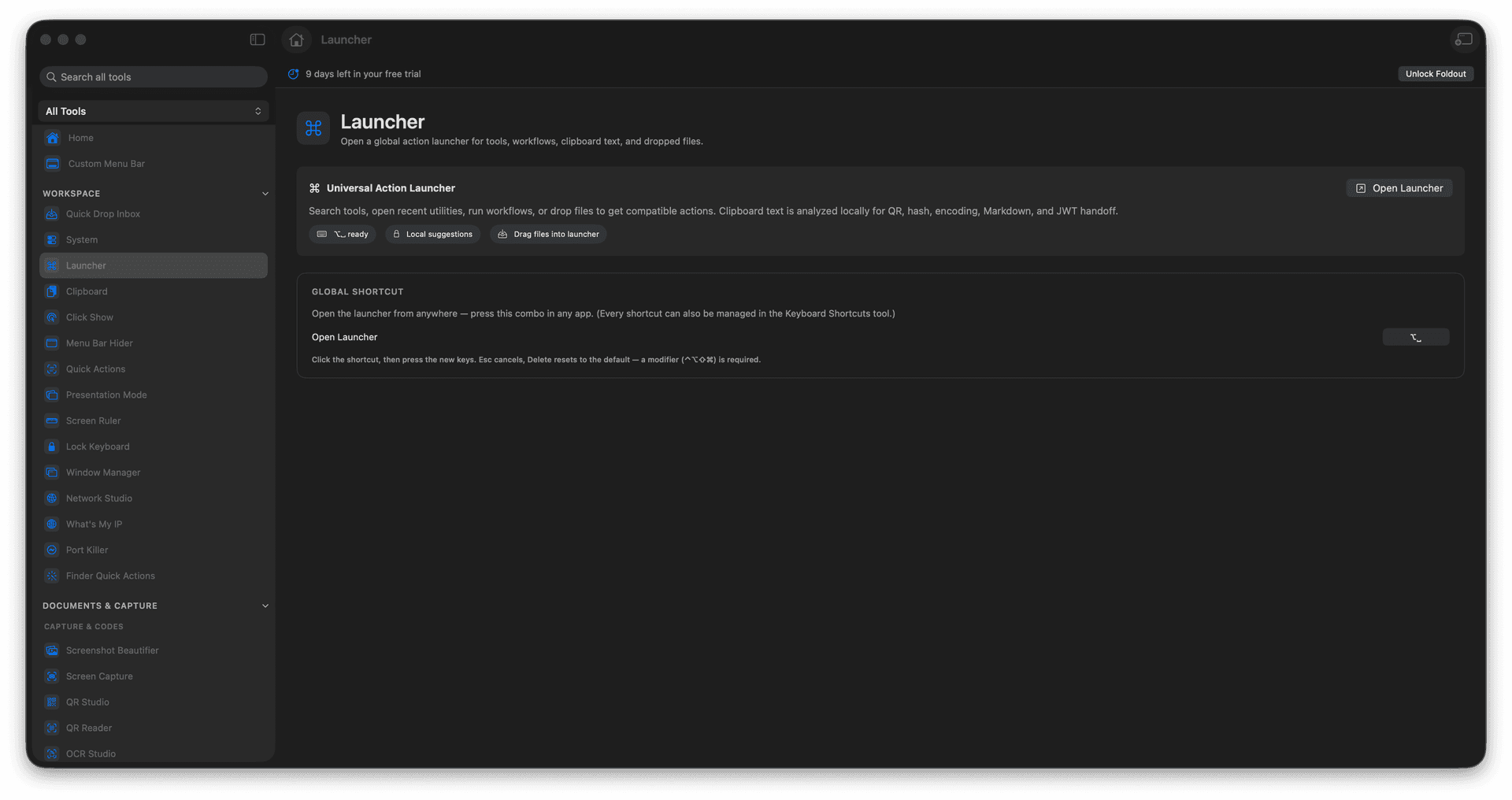
Launcher is the keyboard-first front door to all of Foldout - hit a shortcut, type a few letters, and jump straight to any tool, run a workflow, or send the files and text you have on hand to exactly the right place, without ever touching the mouse.
Start the 14-day trial in the app. No payment method is required to try Foldout.
Summon any tool with a few keystrokes.
Run workflows and actions from one bar.
Route selected files or clipboard text instantly.
Stay on the keyboard, start to finish.
Concrete features, inputs, and workflow details for this tool.
A quick keystroke opens a search bar that takes you to any tool or action, so the app's full depth is always a few letters away.
Route the files you have selected or the text on your clipboard straight to the tool that handles them.
Find, launch, and run without reaching for the mouse, the way fast Mac users prefer to work.
Open Launcher with its shortcut or from Foldout.
Search for a tool or action.
Choose the result.
Run the action or open the tool.
Yes. Use Keyboard Shortcuts to change global shortcuts.