A shelf for the in-between
Park files or pasted text here while you work, instead of cluttering the desktop or losing them in a chat.
Quick Drop Inbox is a little staging shelf for the things you are juggling - drop files or paste text onto it, and Foldout suggests the tools and actions that fit, so an 'I will deal with this in a sec' pile turns into one click of progress.
Start the 14-day trial in the app. No payment method is required to try Foldout.
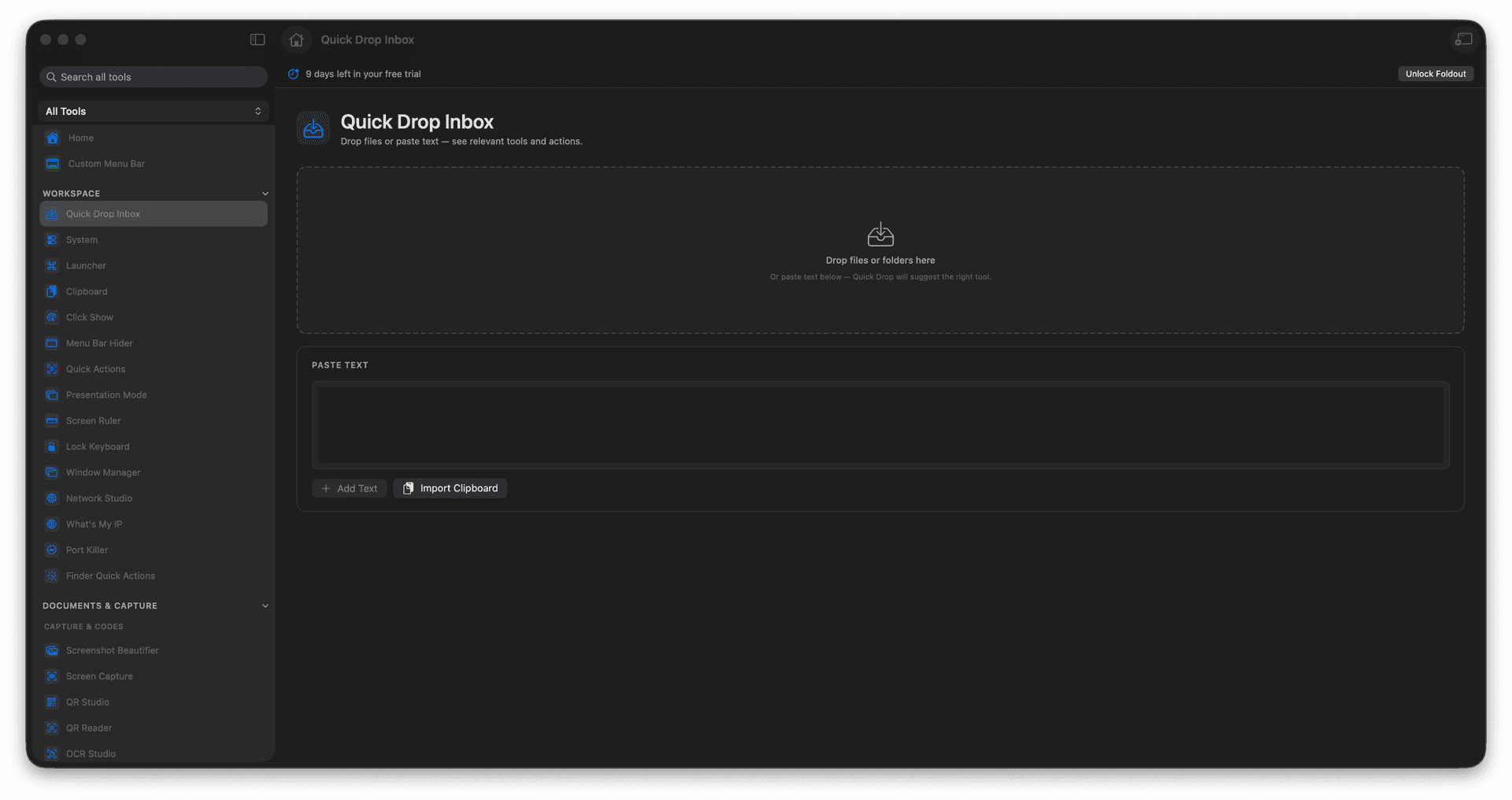
Stage files and text you are juggling.
Get matching tool suggestions instantly.
Route an item into the right action.
Turn a holding pile into next steps.
Concrete features, inputs, and workflow details for this tool.
Park files or pasted text here while you work, instead of cluttering the desktop or losing them in a chat.
Foldout looks at what you dropped and suggests the tools that handle it, so the next move is obvious.
Send any staged item into the matching tool the moment you are ready to deal with it.
Drop files or paste text.
Review suggested tools.
Choose the action you want.
Return to the inbox when done.
No. It stages and routes inputs inside Foldout.