Photos into a document
Wrap a stack of images into a single PDF, so a receipt, a whiteboard shot, and a signed page travel together as one file.
Images to PDF binds a set of photos or scans into a single, properly ordered PDF - turn a phone-photographed receipt, a few screenshots, or a scanned form into one document that is easy to send and file.
Start the 14-day trial in the app. No payment method is required to try Foldout.
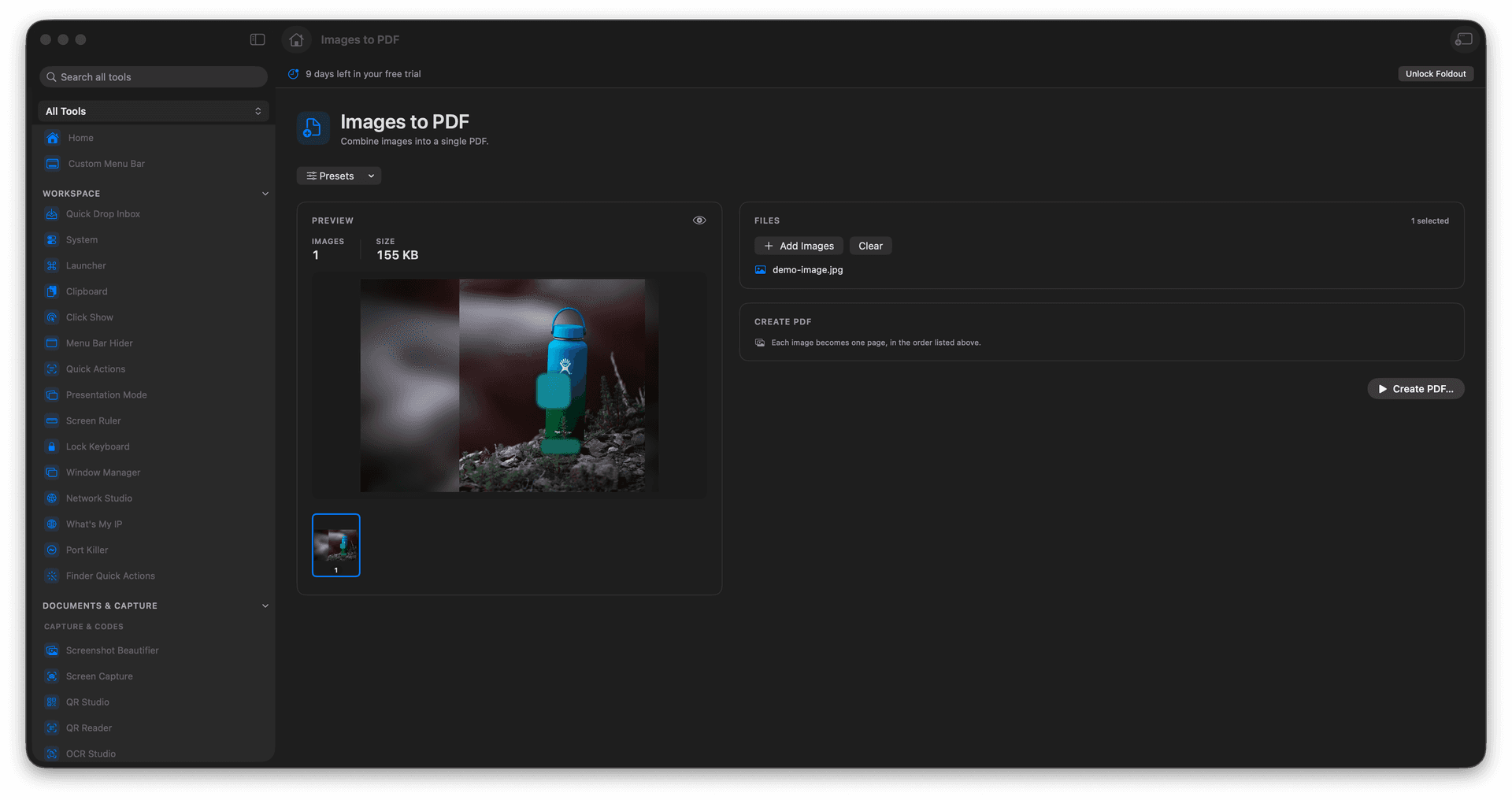
Combine many images into one ordered PDF.
Arrange the page order before you export.
Turn phone photos and scans into a real document.
Source images are left untouched.
Concrete features, inputs, and workflow details for this tool.
Wrap a stack of images into a single PDF, so a receipt, a whiteboard shot, and a signed page travel together as one file.
Set the sequence so the pages land in the right reading order before the PDF is written.
The result is a standard PDF that opens anywhere and attaches cleanly to an email or a form.
Add images.
Arrange the order.
Review PDF output options.
Create the PDF.
Yes. It is built for bundling images into one PDF.