A record of the work
Every tool run is listed with its status and counts, so you always know what completed and what did not.
Jobs is the running log of everything Foldout has done this session - what finished, what failed, how many files each touched, and exactly where the output landed - so a big batch never leaves you wondering where those files went.
Start the 14-day trial in the app. No payment method is required to try Foldout.
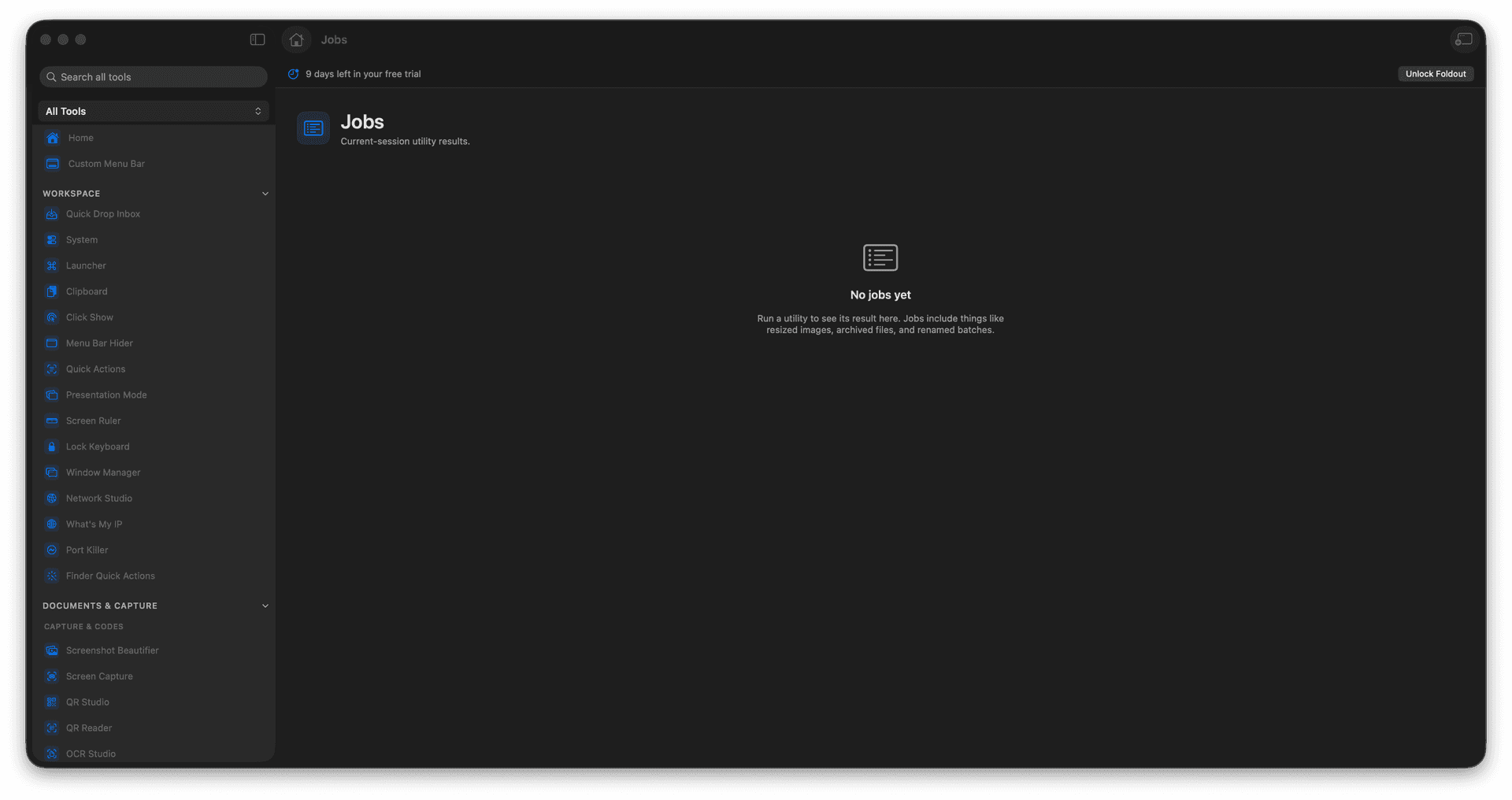
See every utility run from this session.
Check status and item counts at a glance.
Find exactly where outputs were saved.
Reveal generated files in Finder.
Concrete features, inputs, and workflow details for this tool.
Every tool run is listed with its status and counts, so you always know what completed and what did not.
Each job shows where its files landed, so a big batch never disappears into a mystery folder.
Reveal any job's output in Finder to pick up right where the tool left off.
Open Jobs.
Select a run.
Review status and outputs.
Reveal files if needed.
Jobs focuses on utility runs from the current app session.