Set it and forget it
Drop a file into a watched folder and the matching action fires on its own, so a recurring chore handles itself.
Watch Folders puts your routines on autopilot - point it at a folder, set the conditions, and the moment a matching file lands, Foldout runs the action you configured. Preview the behavior first, then let it quietly handle the repetitive stuff.
Start the 14-day trial in the app. No payment method is required to try Foldout.
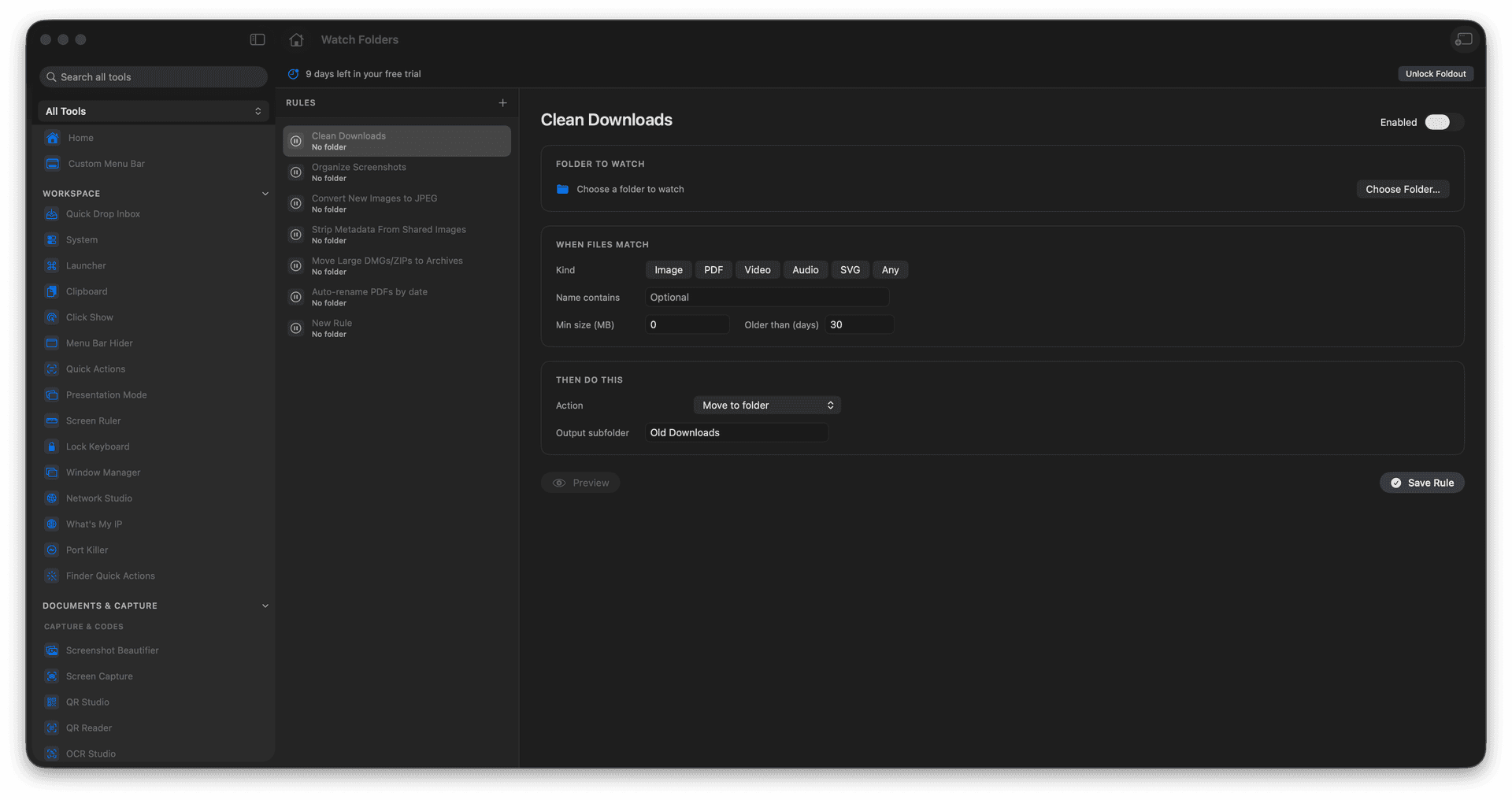
Watch a folder and act on new files.
Match files with simple conditions.
Run a configured action automatically.
Preview the behavior before enabling it.
Concrete features, inputs, and workflow details for this tool.
Drop a file into a watched folder and the matching action fires on its own, so a recurring chore handles itself.
Match by the criteria you set, so only the right files trigger the right action.
Preview exactly what a rule will do before you enable it, so automation never runs blind.
Choose a folder to watch.
Set conditions and actions.
Preview the rule.
Enable it when the behavior is correct.
Rules use conditions so only matching files are processed.