Sample in, types out
Paste a real JSON response and get back ready-to-use type definitions, so a new endpoint stops meaning an afternoon of writing models.
JSON to Code reads a sample payload and writes the typed models for you - Swift, TypeScript, Go, or Kotlin - nested structures and all, so you can stop hand-typing structs and interfaces to match an API.
Start the 14-day trial in the app. No payment method is required to try Foldout.
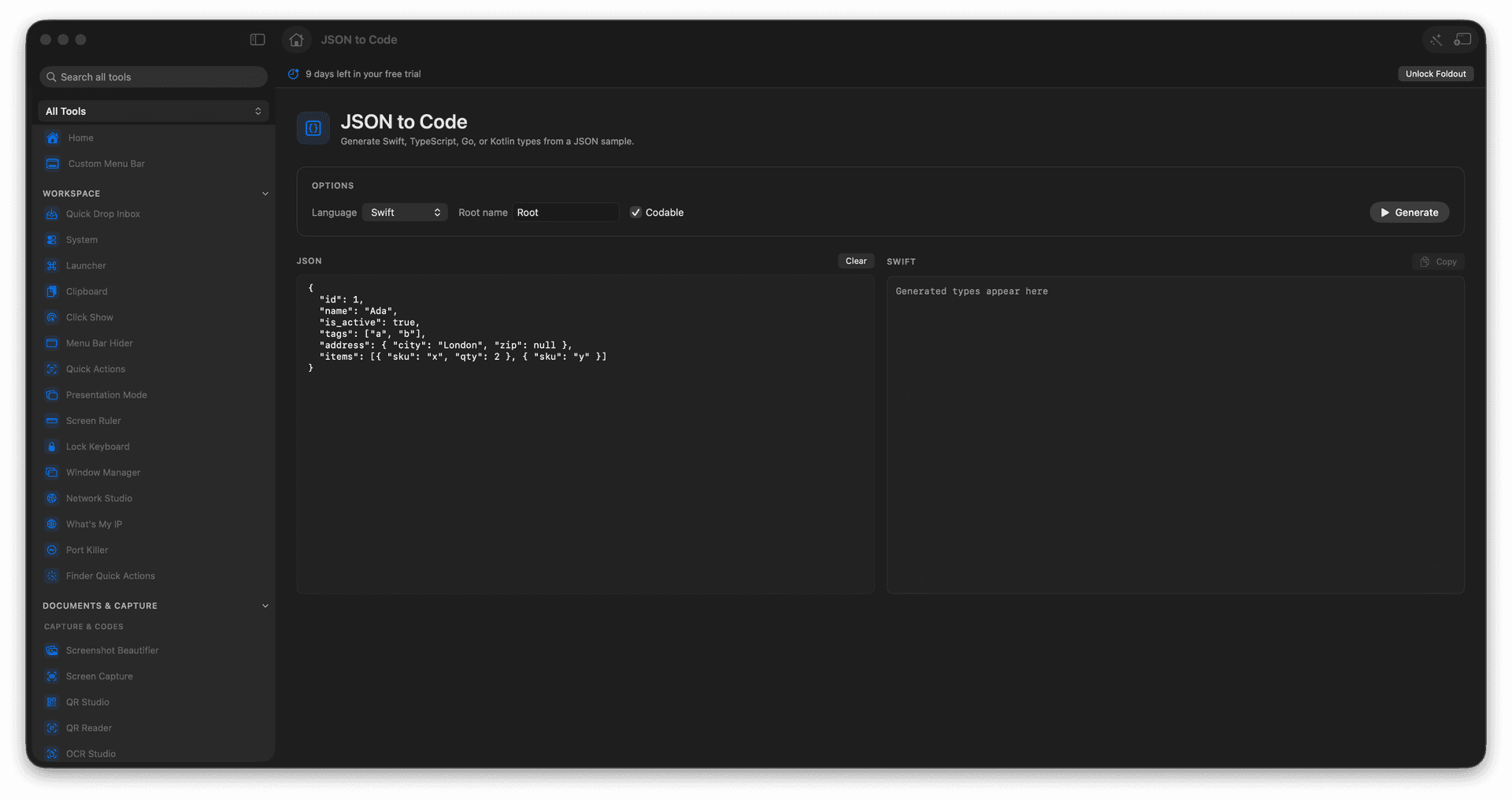
Generate Swift, TypeScript, Go, or Kotlin types.
Infer nested models from a single sample.
Match an API response without hand-typing.
Copy the generated code into your project.
Concrete features, inputs, and workflow details for this tool.
Paste a real JSON response and get back ready-to-use type definitions, so a new endpoint stops meaning an afternoon of writing models.
Generate Swift structs, TypeScript interfaces, Go structs, or Kotlin data classes from the same sample.
Nested objects and arrays become nested types, so the shape of your code matches the shape of the data.
Paste a JSON sample.
Choose the target language.
Run the conversion.
Copy the resulting types.
No. It works from a JSON sample.