All your shortcuts, one screen
Every global key combination is laid out together, so you always know what triggers what.
Keyboard Shortcuts is mission control for every global key combo Foldout offers - the launcher, Presentation Mode, Window Manager, and more - all in one place where you can rebind them to fit your hands and clear any conflicts.
Start the 14-day trial in the app. No payment method is required to try Foldout.
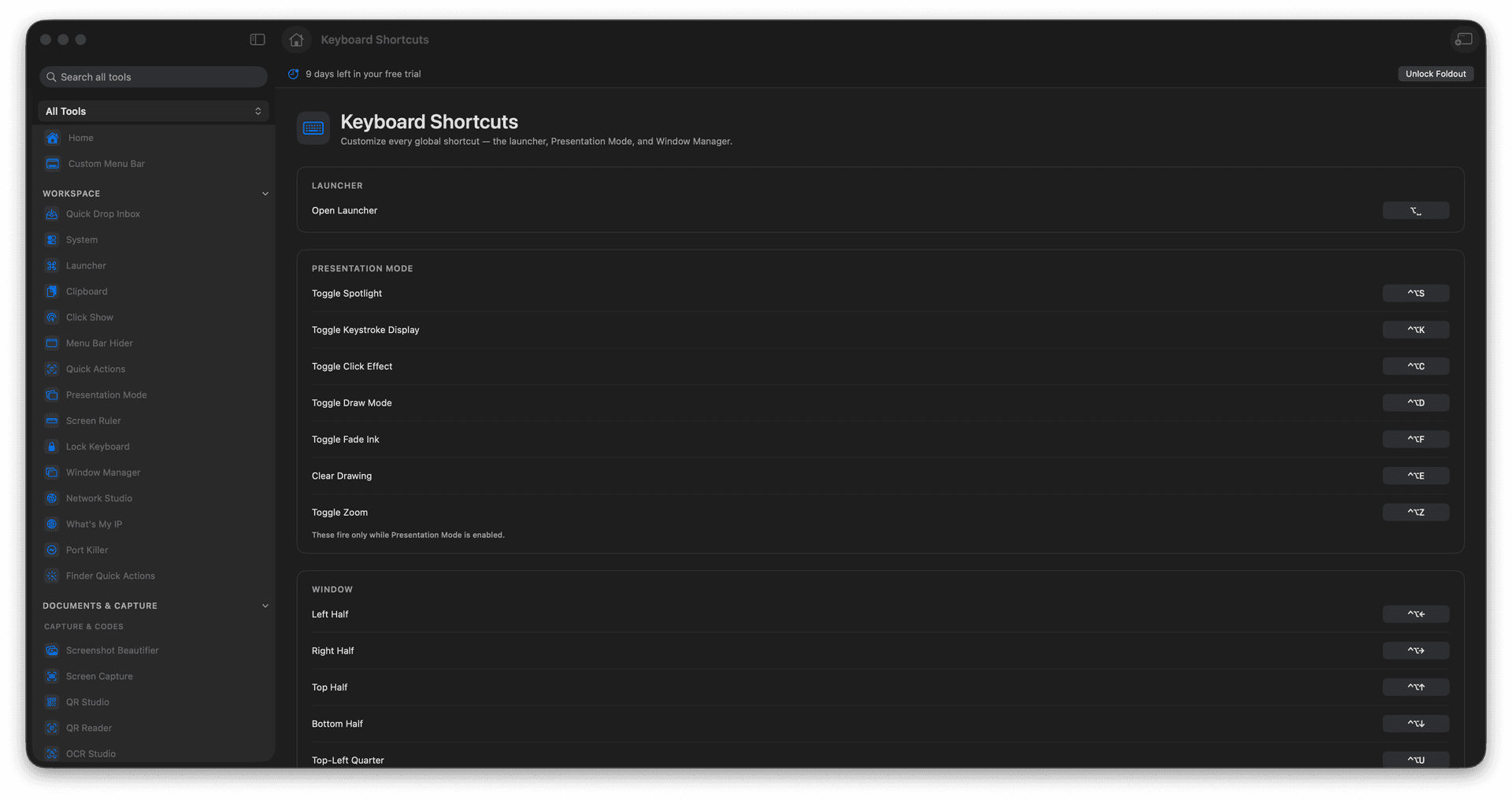
See every global Foldout shortcut in one list.
Rebind combinations to suit your hands.
Spot and resolve shortcut conflicts.
Make the whole app feel like yours.
Concrete features, inputs, and workflow details for this tool.
Every global key combination is laid out together, so you always know what triggers what.
Change any combination to one your fingers already know, instead of memorizing someone else's defaults.
Spot clashes with other apps or with each other and fix them before they trip you up.
Open Keyboard Shortcuts.
Find the action to change.
Set the new shortcut.
Test it from the app or system.
The shortcuts screen lets you configure the available global shortcuts.