Act where you are
A floating menu appears over your selected text, so a transform happens in place instead of in a round trip to another app.
Quick Actions floats a little menu over text you have selected anywhere on your Mac, so you can clean it up, change its case, transform it, or fire it straight into a Foldout tool without copying, switching apps, and pasting.
Start the 14-day trial in the app. No payment method is required to try Foldout.
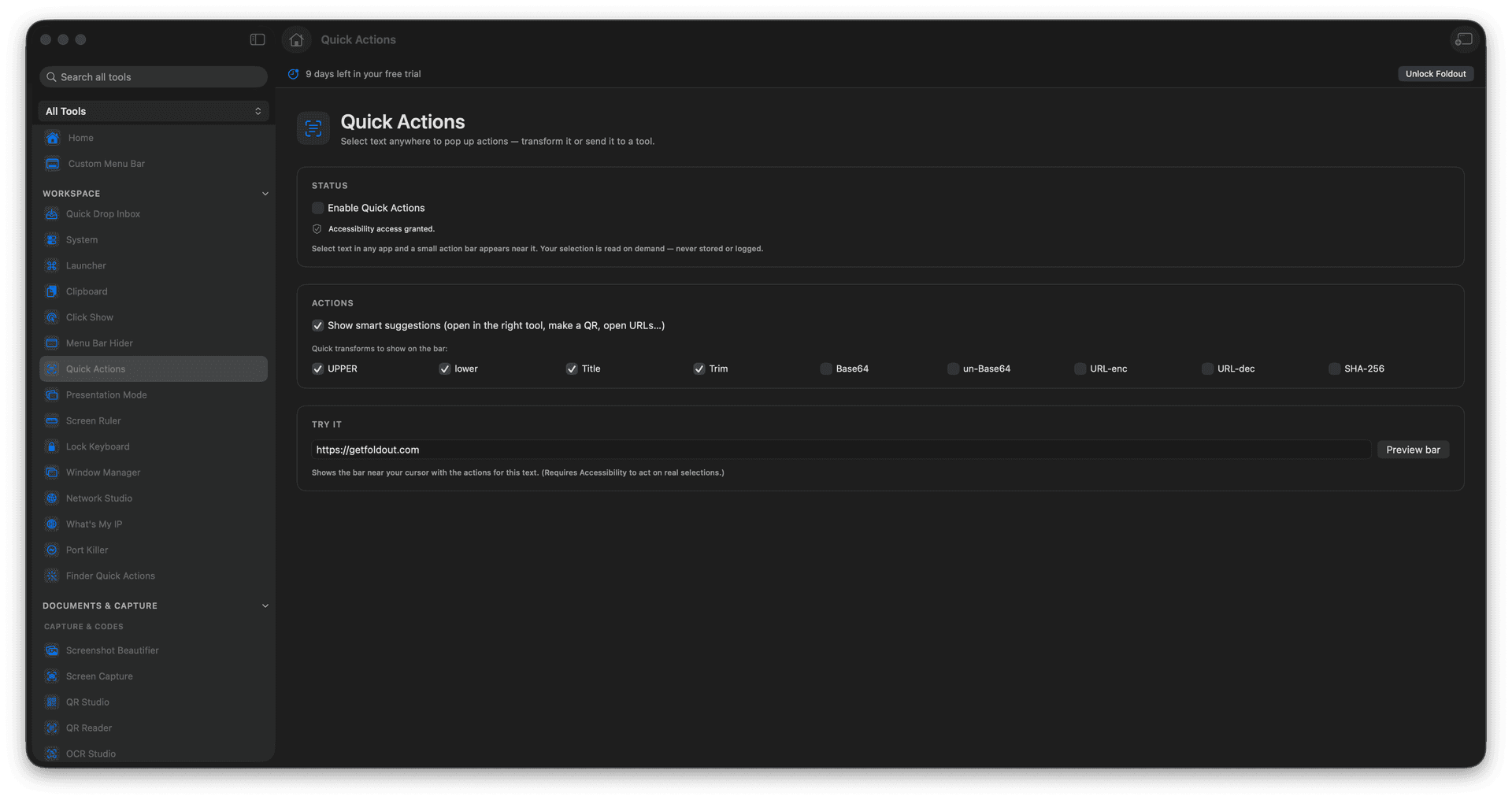
Pop up actions for any selected text.
Transform text right where it sits.
Route a selection into a matching tool.
Skip the copy-switch-paste shuffle.
Concrete features, inputs, and workflow details for this tool.
A floating menu appears over your selected text, so a transform happens in place instead of in a round trip to another app.
Clean, re-case, and reshape a selection, or hand it to a tool built for the job.
Replace the copy, app-switch, paste, and copy-back dance with a single pop-up.
Select text in another app.
Open Quick Actions.
Choose a matching action.
Use the transformed text or routed tool.
They appear when you invoke them for selected text.