A safe pause
Every key press is caught behind an overlay, so you can clean the keyboard without launching apps or mashing into a document.
Lock Keyboard swallows every keystroke behind a click-to-unlock overlay, so you can wipe down your keys or dust the laptop without firing off a hundred random characters or triggering something you did not mean to.
Start the 14-day trial in the app. No payment method is required to try Foldout.
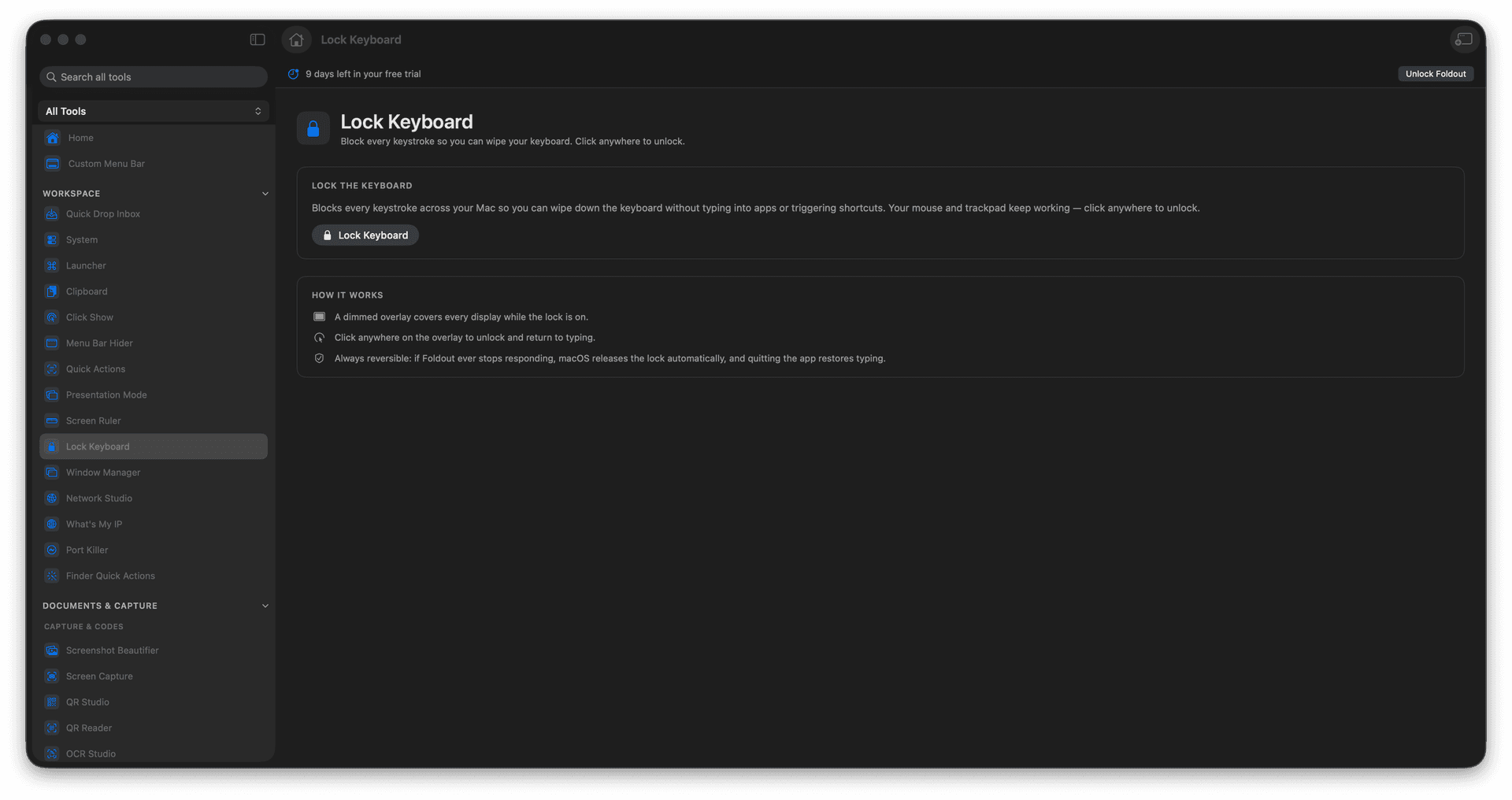
Block all keystrokes for a moment.
Wipe your keys without typing chaos.
Unlock instantly with a click.
Avoid accidental shortcuts while cleaning.
Concrete features, inputs, and workflow details for this tool.
Every key press is caught behind an overlay, so you can clean the keyboard without launching apps or mashing into a document.
A single click lifts the lock, so there is never any doubt about how to get your keyboard back.
Exactly the tiny utility you wish your Mac shipped with the moment you reach for a cloth.
Open Lock Keyboard.
Start the lock.
Clean the keyboard.
Click to unlock when finished.
No. The overlay unlocks with a click.