A tidy top corner
Push the icons you rarely click behind a divider, so the menu bar shows only what you actually use.
Menu Bar Organizer tucks your less-used menu-bar icons behind a tidy divider and reveals them only when you want, so a cluttered top-right corner becomes clean - and stays clean during a recording or a screen share.
Start the 14-day trial in the app. No payment method is required to try Foldout.
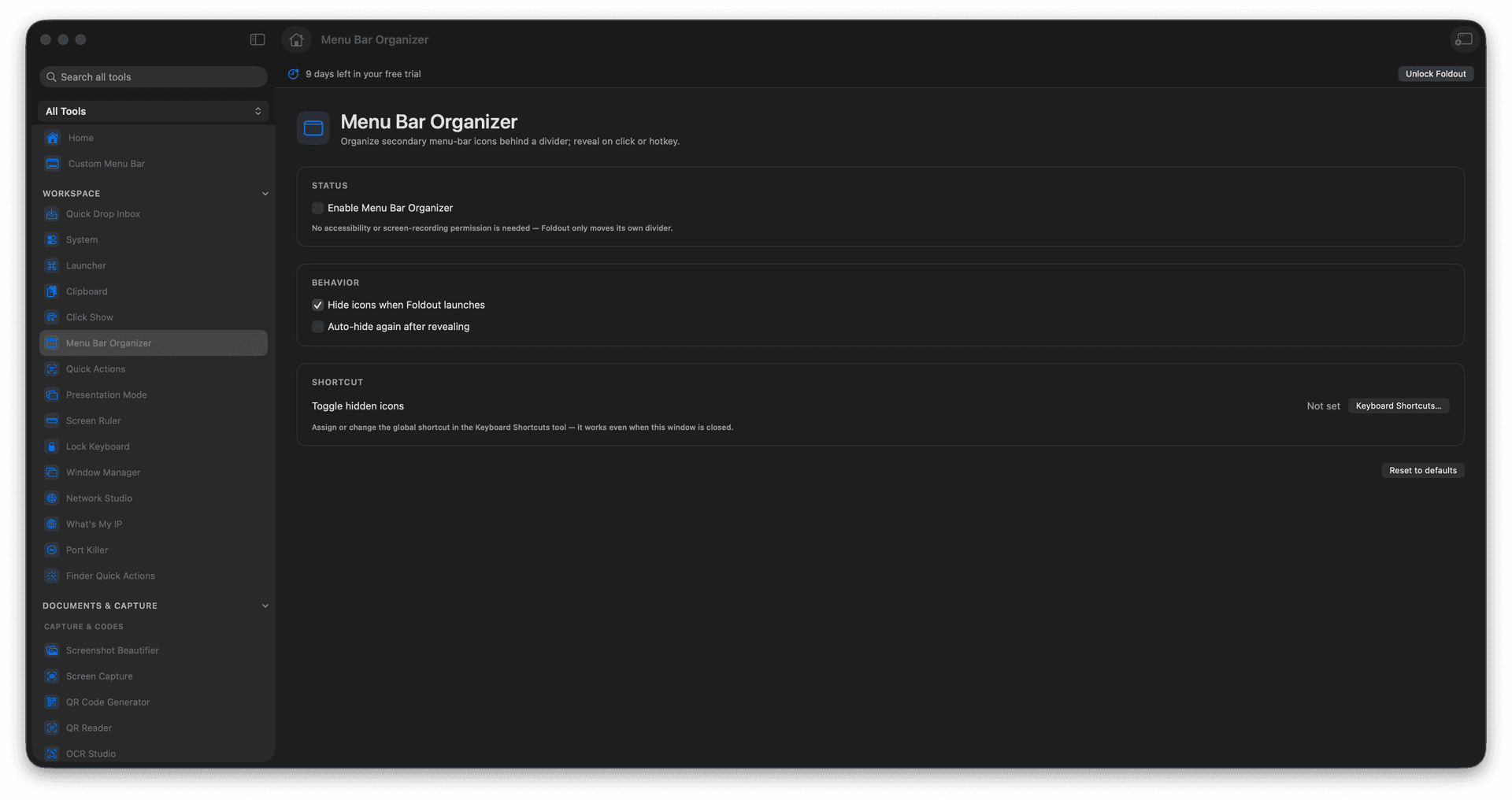
Hide secondary menu-bar icons behind a divider.
Reveal them on click or with a hotkey.
Reclaim a crowded menu bar.
Keep it clean for recordings and shares.
Concrete features, inputs, and workflow details for this tool.
Push the icons you rarely click behind a divider, so the menu bar shows only what you actually use.
Click or press a hotkey to expand the hidden set when you do need one of them.
Hide the clutter before a recording or a screen share, so your menu bar looks intentional.
Open Menu Bar Organizer.
Enable the divider.
Choose reveal behavior.
Use the reveal action when needed.
No. It only hides and reveals icons visually.