Your menu, your rules
Assemble a menu-bar menu from the exact tools and presets you use most, instead of digging for them each time.
Custom Menu Bar lets you build your own menu - your tools, presets, workflows, and quick actions - and park it in the menu bar, so the five things you do twenty times a day are always one click from the top of the screen.
Start the 14-day trial in the app. No payment method is required to try Foldout.
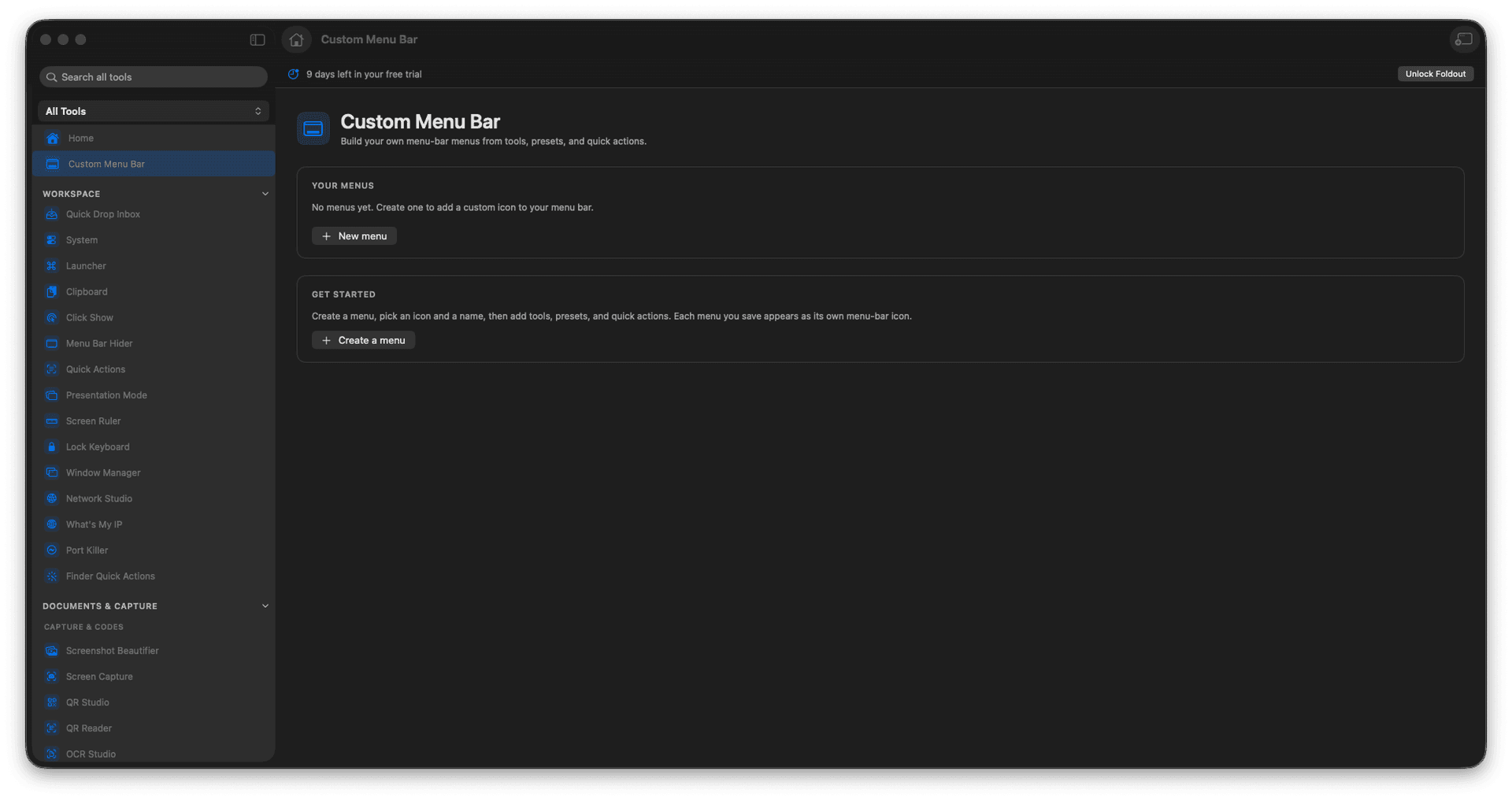
Build menus from your own Foldout actions.
Add tools, presets, workflows, and quick actions.
Keep your routine one click away.
Shape the menu bar around how you work.
Concrete features, inputs, and workflow details for this tool.
Assemble a menu-bar menu from the exact tools and presets you use most, instead of digging for them each time.
Park your daily conversions, cleanups, and workflows where they are always a single click away.
Mix tools, saved presets, multi-step workflows, and quick actions into one tidy drop-down.
Open Custom Menu Bar.
Create or edit a menu.
Add Foldout actions.
Save the menu and use it from the menu bar.
Yes. Custom menus can include Foldout workflows and actions.