One mark, every page
The text rides diagonally across all pages at once, so no page slips out into the world without its status attached.
Watermark stamps a line of text diagonally across every page of a PDF - DRAFT, CONFIDENTIAL, your company name - so a document carries its status and ownership wherever it travels. One pass, every page, a clean new copy.
Start the 14-day trial in the app. No payment method is required to try Foldout.
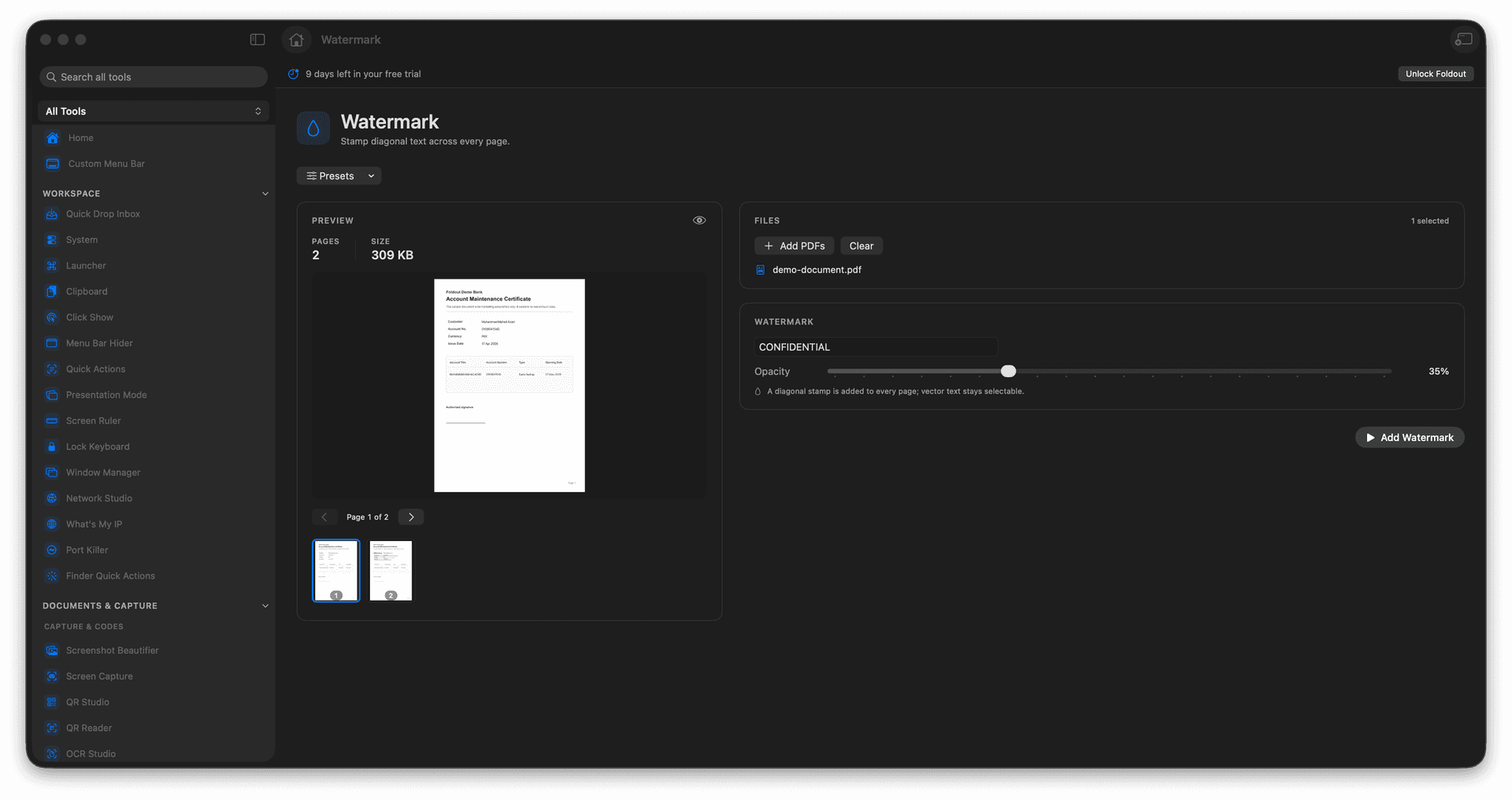
Stamp diagonal text across every page.
Mark documents DRAFT, CONFIDENTIAL, or with your name.
Apply to the whole PDF in a single pass.
Originals stay clean - the watermark goes on a copy.
Concrete features, inputs, and workflow details for this tool.
The text rides diagonally across all pages at once, so no page slips out into the world without its status attached.
Use it for review states like DRAFT, for ownership, or for handling labels such as CONFIDENTIAL.
The watermarked document is saved separately, leaving your unmarked master ready for the final version.
Add a PDF.
Enter watermark text.
Review output options.
Save the watermarked PDF.
It is stamped into the exported PDF copy, so keep the original file.