Your mark, across the frame
Lay a diagonal text watermark over the whole image so a screenshot or proof cannot be lifted and reused without your name riding along with it.
Watermark Images lays a diagonal text stamp across your pictures so proofs, previews, and portfolio shots travel with your name on them. Add the text once, run the batch, and every copy ships marked while your clean originals stay home.
Start the 14-day trial in the app. No payment method is required to try Foldout.
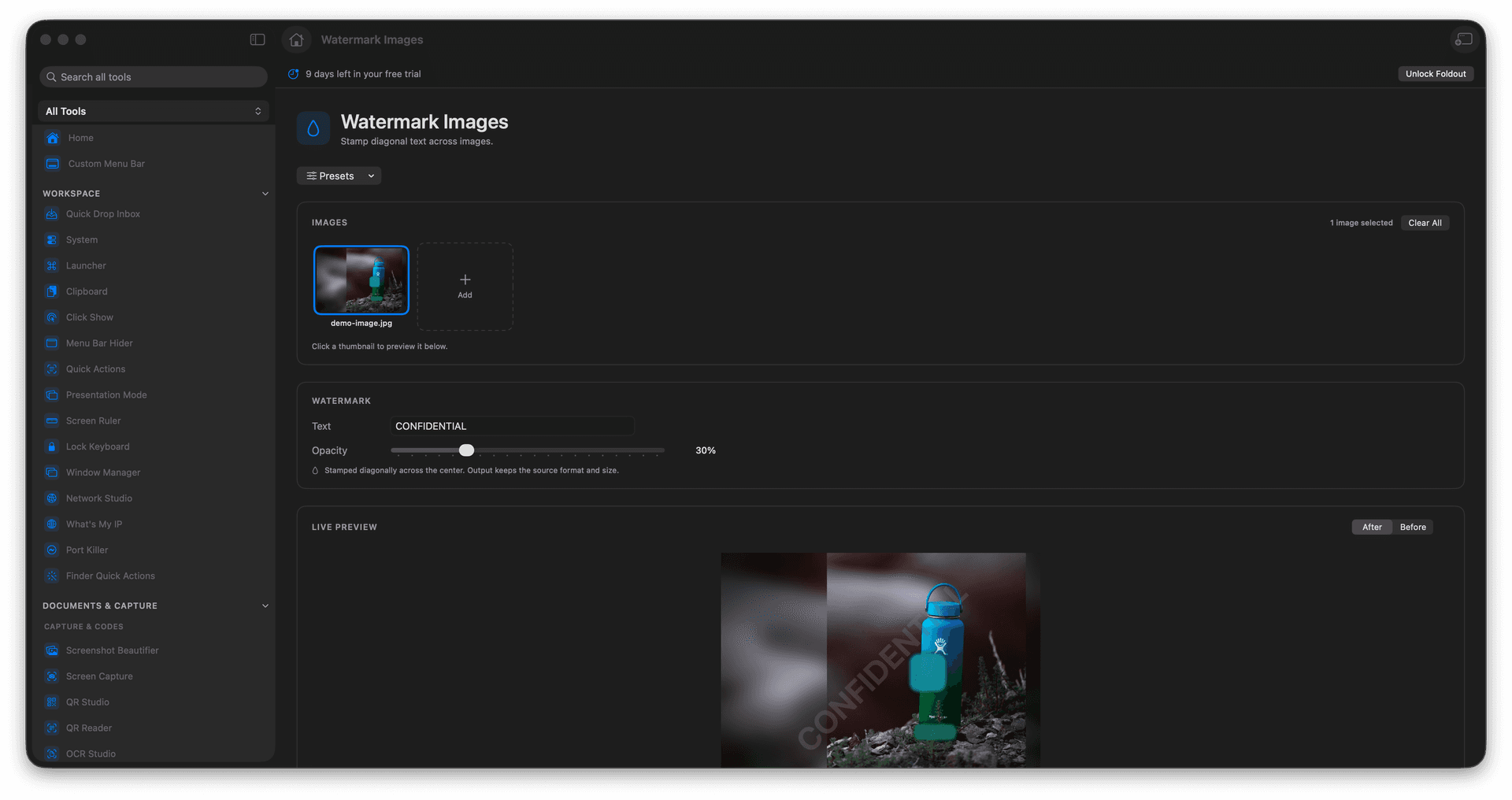
Stamp a diagonal text watermark across any image.
Mark a whole batch of proofs or previews in one pass.
Keep ownership visible on anything you share publicly.
Originals stay clean - only the copies are watermarked.
Concrete features, inputs, and workflow details for this tool.
Lay a diagonal text watermark over the whole image so a screenshot or proof cannot be lifted and reused without your name riding along with it.
Add a folder of client previews or portfolio shots and stamp them all with the same text in a single run.
Watermarked versions are saved as separate copies, so your clean, unmarked masters stay ready for the final handoff.
Add images.
Enter the watermark text.
Choose visible watermark options.
Save the watermarked copies.
Yes. It supports batch image watermarking.