Marked into the footage
The text is part of the pixels, so a watermarked clip stays marked even after someone re-uploads or re-exports it.
Watermark Videos burns a line of text right into the footage - a name, a DRAFT label, a client tag - so review copies and shared clips are unmistakably marked no matter where they get re-posted.
Start the 14-day trial in the app. No payment method is required to try Foldout.
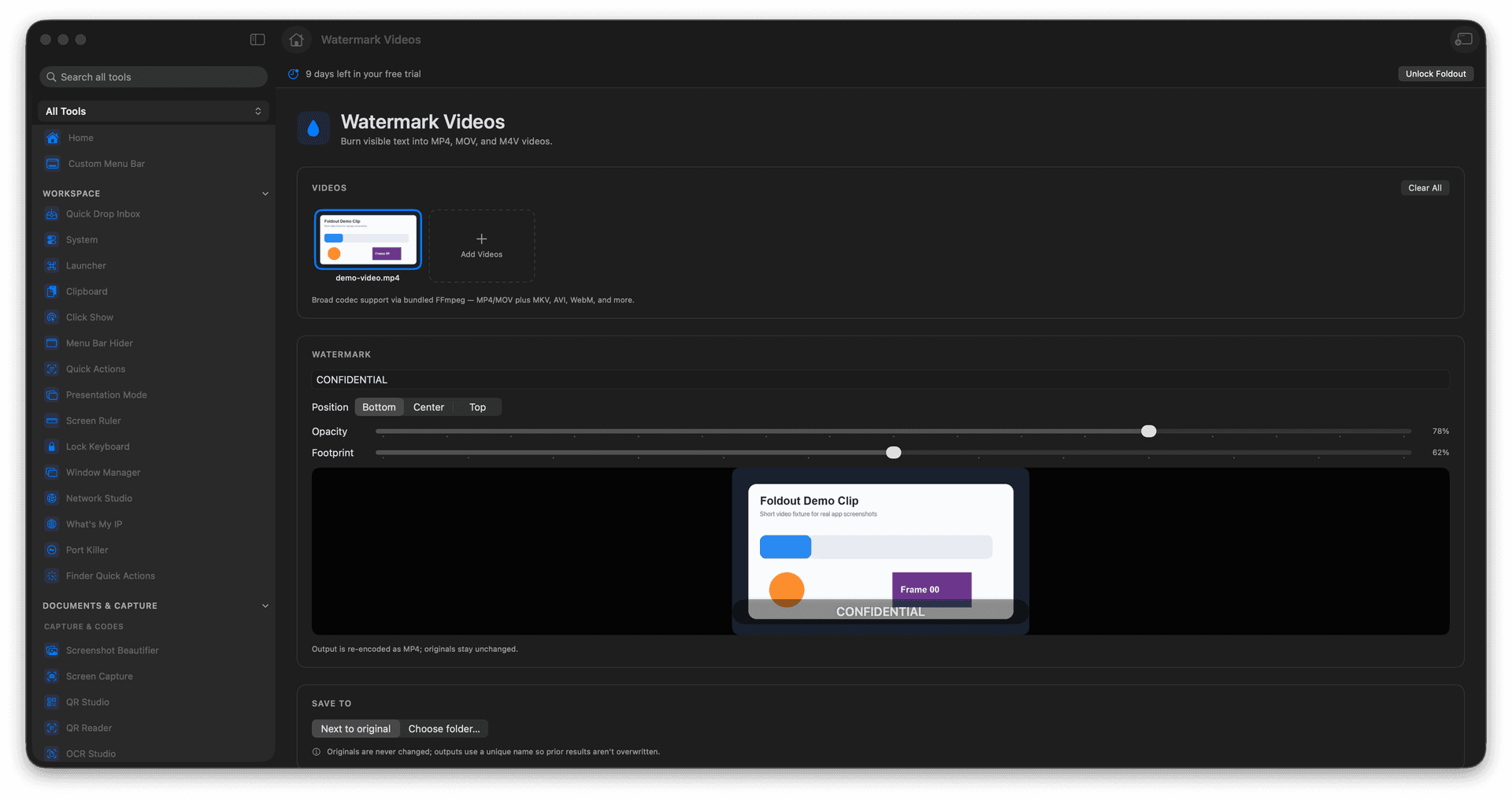
Burn visible text directly into the video.
Mark review copies and shared clips clearly.
Choose where the text sits and how it looks.
Export watermarked copies with originals intact.
Concrete features, inputs, and workflow details for this tool.
The text is part of the pixels, so a watermarked clip stays marked even after someone re-uploads or re-exports it.
Choose the position and styling so the mark is clearly visible without covering the part people need to see.
Watermarked clips are saved separately, keeping your unmarked master ready for the final release.
Add a video.
Enter watermark text.
Choose visible placement and style options.
Export the watermarked video.
It is burned into the exported copy, so keep the original file.