Presets for the kind of art
Photo, clip-art, logo, and automatic presets shape how aggressively the trace simplifies, so a two-color logo and a detailed illustration each come out looking right.
Raster to Vector traces a logo, icon, or flat graphic into a clean SVG you can scale to any size without the edges turning to mush. Pick a preset, watch the live preview, check the path count, and save a crisp vector ready for print, the web, or a design file.
Start the 14-day trial in the app. No payment method is required to try Foldout.
Foldout transforms user-supplied files locally. It does not generate synthetic people, voices, likenesses, or media from prompts.
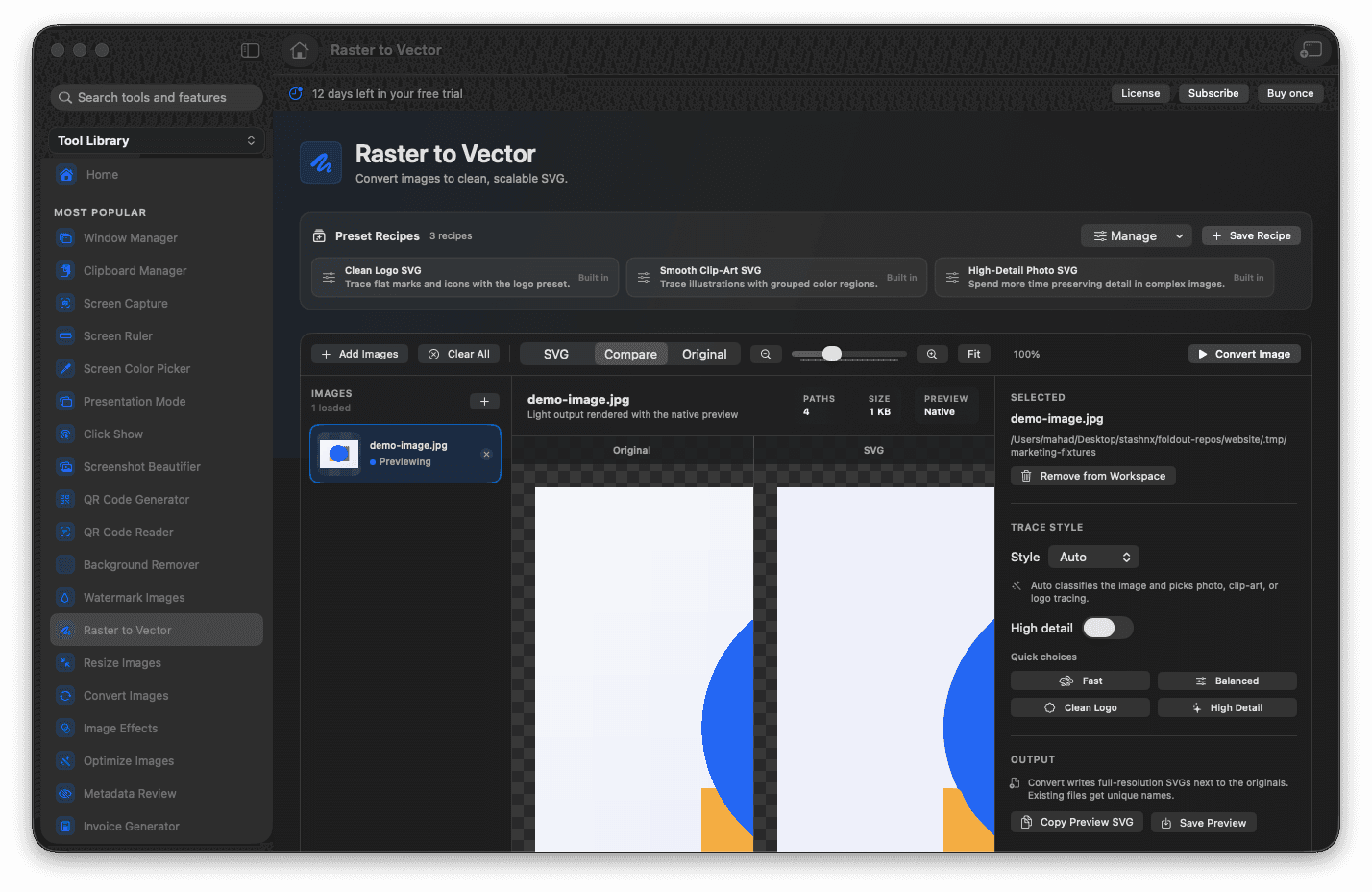
Trace logos, icons, and flat artwork into scalable SVG paths.
Choose presets tuned for photos, clip-art, logos, or automatic tracing.
Preview the vector and its path metrics before you save.
Walk away with art that stays razor-sharp at any size.
Concrete features, inputs, and workflow details for this tool.
Photo, clip-art, logo, and automatic presets shape how aggressively the trace simplifies, so a two-color logo and a detailed illustration each come out looking right.
A live preview and path-count metrics show exactly what the vector will look like and how complex it is, so you can dial in quality instead of guessing.
The exported SVG is resolution-independent, so the same file looks crisp on a favicon, a business card, or a billboard.
Add an image.
Choose the tracing preset and quality option.
Review the SVG preview and metrics.
Save the SVG output.
It works best on graphics, logos, icons, and simpler artwork; detailed photos may produce complex SVGs.