The retail and logistics formats
Produce Code 128 for general use and EAN-13 or UPC-A for retail products, so your labels match what scanners at the till expect.
Barcode Generator creates clean, standards-compliant Code 128, EAN-13, and UPC-A barcodes and exports them as PNG or scalable SVG - exactly what you need for product labels, inventory tags, and shelf stickers.
Start the 14-day trial in the app. No payment method is required to try Foldout.
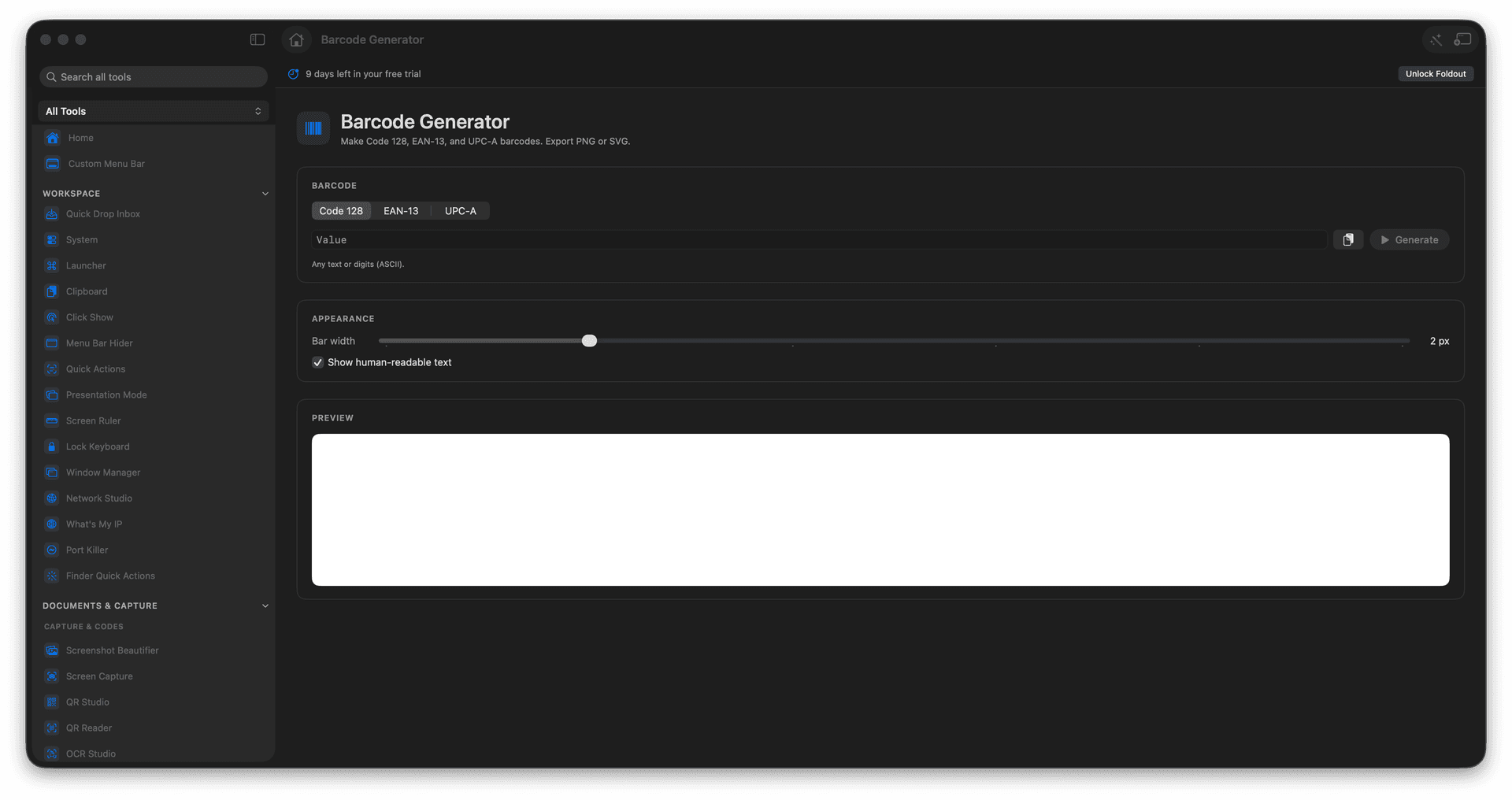
Generate Code 128, EAN-13, and UPC-A barcodes.
Export as PNG or scalable SVG.
Label products, inventory, and shelves.
Get a crisp code that scans reliably.
Concrete features, inputs, and workflow details for this tool.
Produce Code 128 for general use and EAN-13 or UPC-A for retail products, so your labels match what scanners at the till expect.
Export SVG for labels that stay crisp whether they print on a sticker or a full sheet, or PNG when you need a quick raster.
Spin up the codes your inventory or product line needs without a clunky label-maker app.
Choose barcode type.
Enter the value.
Review validation and preview.
Export PNG or SVG.
The tool checks values for formats that require specific lengths.