Lean, identical output
Multiple cleanup passes shrink the markup while keeping the artwork pixel-for-pixel the same on screen.
Optimize SVG strips the bloat that design tools leave behind - editor comments, redundant metadata, needless markup - and hands back a lean file that renders identically but weighs a fraction as much, ready to drop straight into a site or an app.
Start the 14-day trial in the app. No payment method is required to try Foldout.
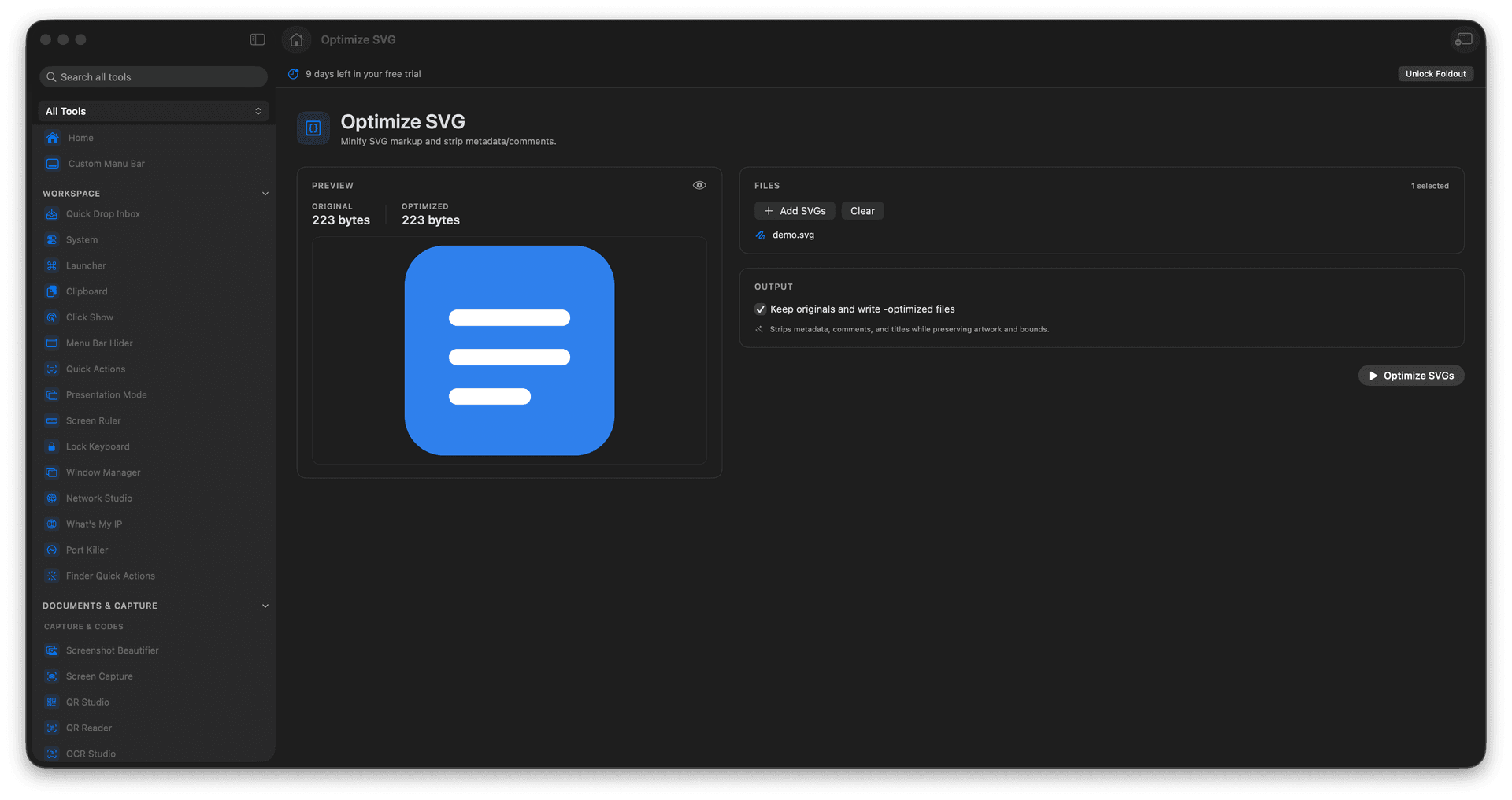
Minify SVG markup to a smaller file.
Remove comments and redundant metadata.
Keep the artwork rendering identically.
Ship lighter vectors to the web.
Concrete features, inputs, and workflow details for this tool.
Multiple cleanup passes shrink the markup while keeping the artwork pixel-for-pixel the same on screen.
Strip out the comments and metadata that drawing tools bake in, leaving only what is needed to render.
A lighter SVG loads faster and inlines cleanly, ideal for icons and logos on a site.
Add an SVG file.
Review optimization options and preview.
Run Optimize SVG.
Save the optimized SVG.
Yes. The optimizer is designed to preserve the SVG viewBox.