HEX to the formats you use
Read a color as RGB for code and HSL for intuitive lightness and saturation tweaks.
Color is the no-nonsense converter for the values you paste all day - drop in a HEX and read it back as RGB and HSL, ready to copy into a stylesheet, a design token, or a bug about the wrong shade of blue.
Start the 14-day trial in the app. No payment method is required to try Foldout.
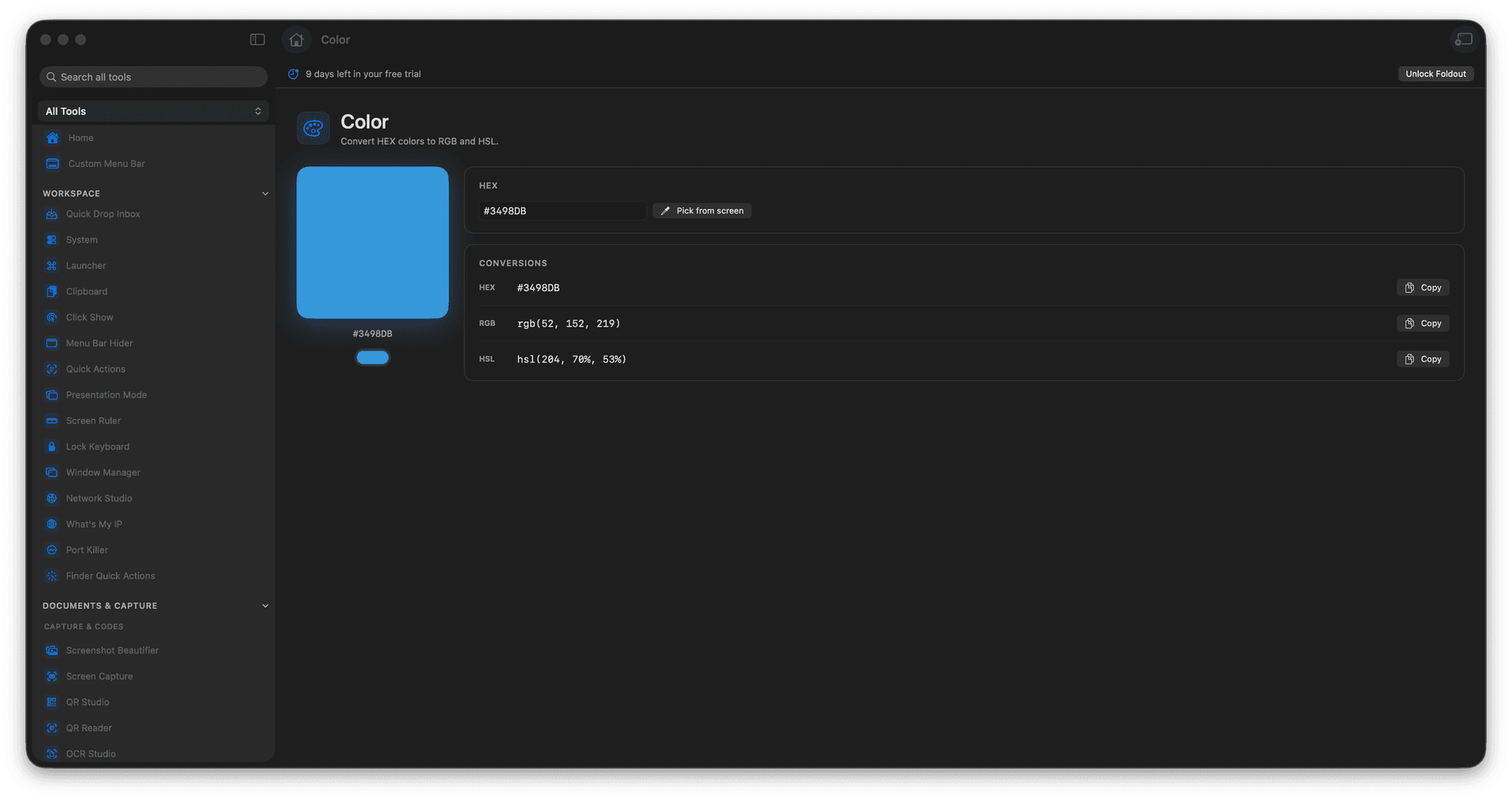
Convert HEX to RGB instantly.
Convert HEX to HSL for easier tweaks.
Copy values straight into your styles.
Stop hunting for a color converter.
Concrete features, inputs, and workflow details for this tool.
Read a color as RGB for code and HSL for intuitive lightness and saturation tweaks.
Grab the exact string your stylesheet or design tool expects, no reformatting.
A tiny, fast tool for the dozens of color conversions a UI day demands.
Enter a HEX color.
Review RGB and HSL values.
Adjust or replace the color.
Copy the format you need.
Use Screen Color Picker for eyedropper capture.