Pick from anywhere
Sample the precise color of any pixel on screen - a brand button, an app, a photo - without a screenshot detour.
Screen Color Picker grabs the exact color of any pixel anywhere on your display - a button, a logo, a photo - and keeps a running palette with HEX, RGB, HSL, and contrast details you can export when you are done sampling.
Start the 14-day trial in the app. No payment method is required to try Foldout.
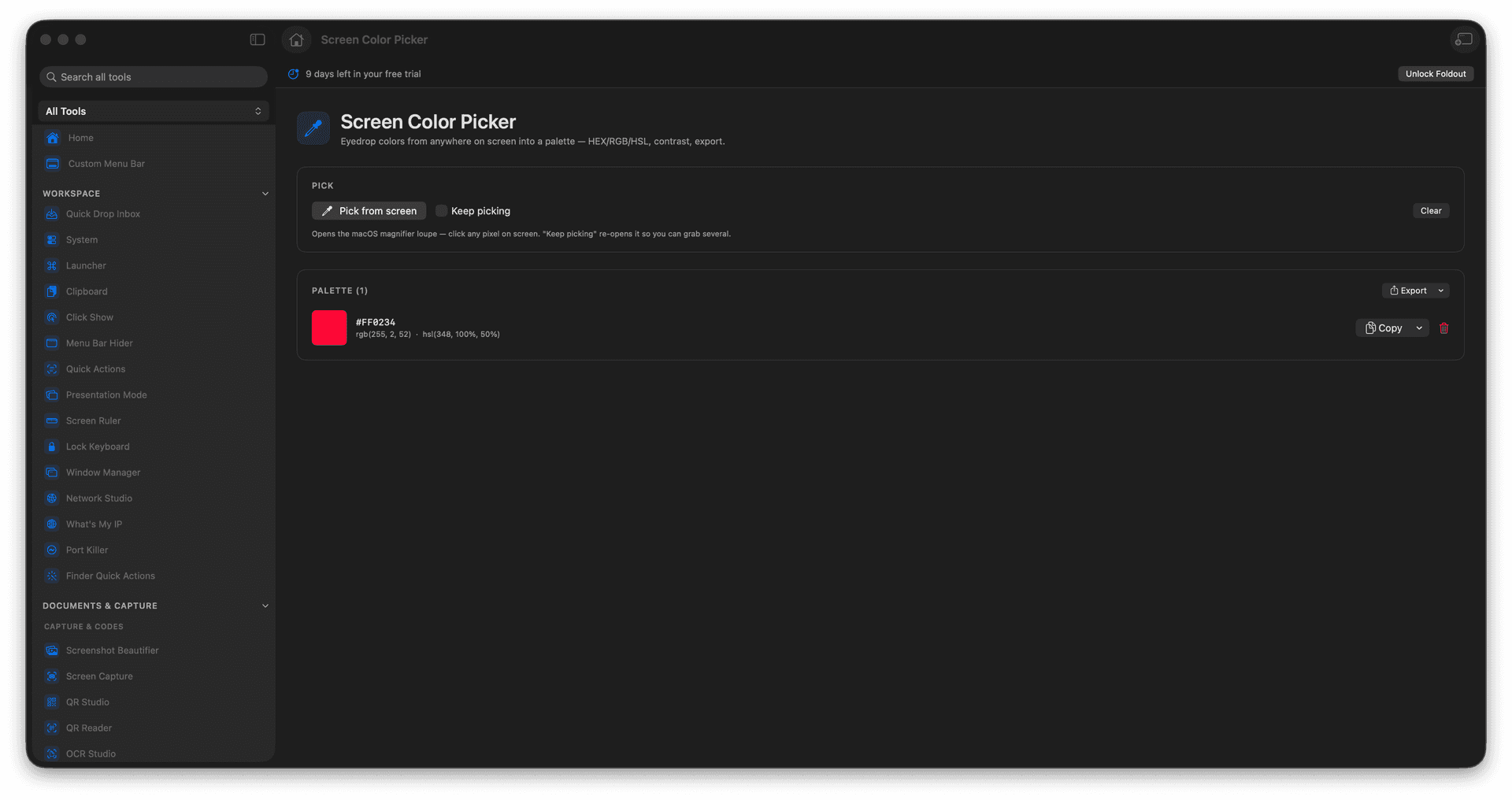
Sample any pixel on the screen.
Build a palette as you pick.
Read HEX, RGB, HSL, and contrast.
Export the colors you collected.
Concrete features, inputs, and workflow details for this tool.
Sample the precise color of any pixel on screen - a brand button, an app, a photo - without a screenshot detour.
Each pick joins a running palette, so you can collect a whole scheme in one pass.
See HEX, RGB, and HSL plus contrast details, then export the set for design or code.
Start the picker.
Choose a point on screen.
Review saved color values.
Copy or export the palette.
macOS may request screen access when sampling display pixels.