Land on the right frame
Scrub frame by frame to the precise moment - the clean smile, the readable screen, the peak of the action - and save it as a still.
Video Frame Studio is a visual scrubber for pulling exact frames out of a video - grab the perfect thumbnail, save a still for documentation, or lay several frames into a contact sheet to review a sequence at a glance.
Start the 14-day trial in the app. No payment method is required to try Foldout.
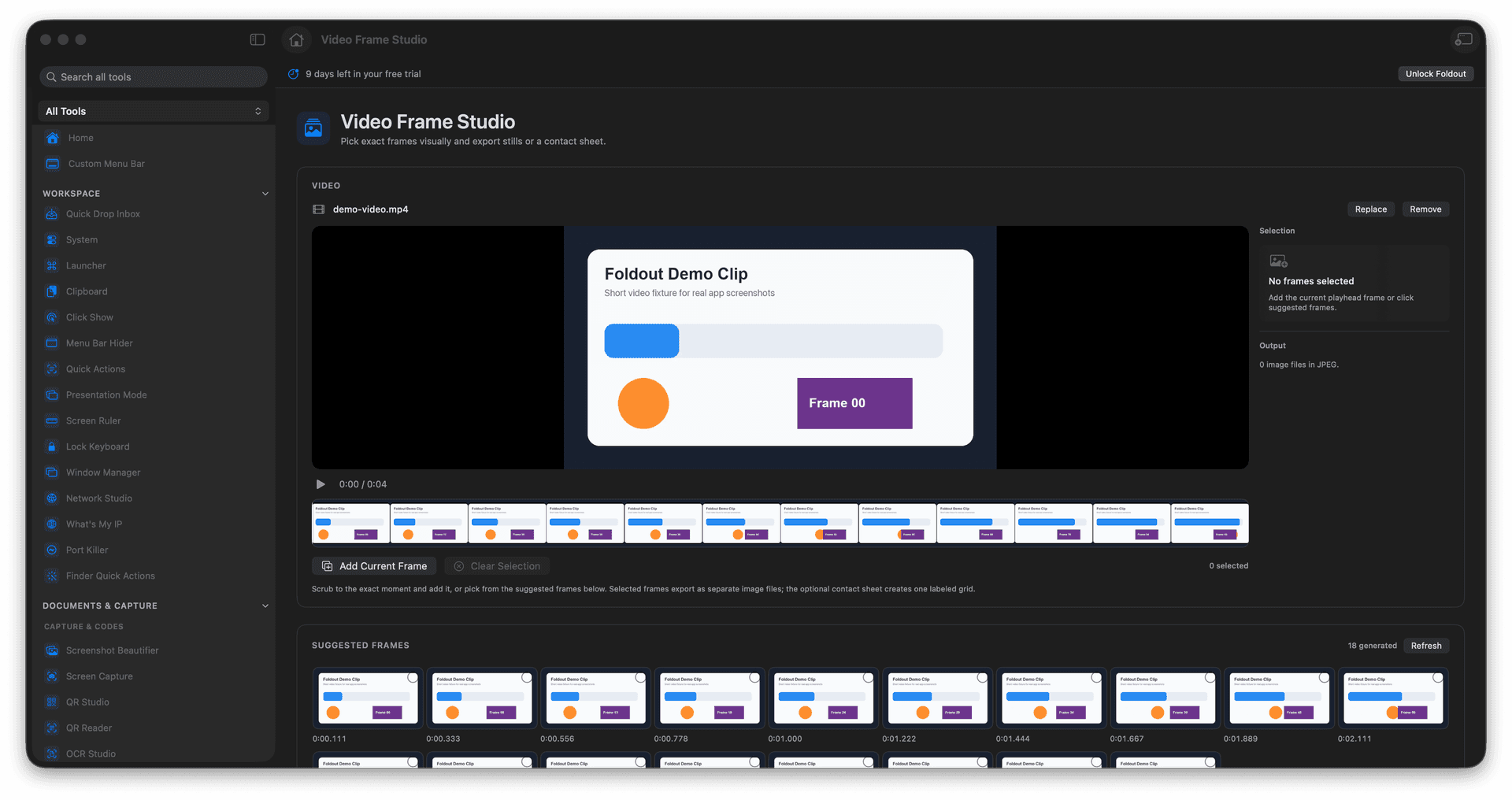
Scrub to the exact frame you want.
Export crisp still images from any moment.
Build a contact sheet to review a sequence.
Find the perfect thumbnail without guessing.
Concrete features, inputs, and workflow details for this tool.
Scrub frame by frame to the precise moment - the clean smile, the readable screen, the peak of the action - and save it as a still.
Pull individual frames to illustrate a guide, file a bug, or pick a video thumbnail that actually looks good.
Generate a contact sheet of evenly spaced frames so you can review a clip's arc in one image.
Open a video.
Scrub to the frame you want.
Add frame picks or choose contact sheet settings.
Export stills or the sheet.
Yes. The tool supports frame picks and contact sheets.