One continuous video
Combine separate takes into a single timeline, so an intro, a demo, and a sign-off play as one seamless clip.
Merge Videos strings several clips together end to end into one continuous video - join an intro, the main take, and an outro, or stitch a few short recordings into a single file to share in one go.
Start the 14-day trial in the app. No payment method is required to try Foldout.
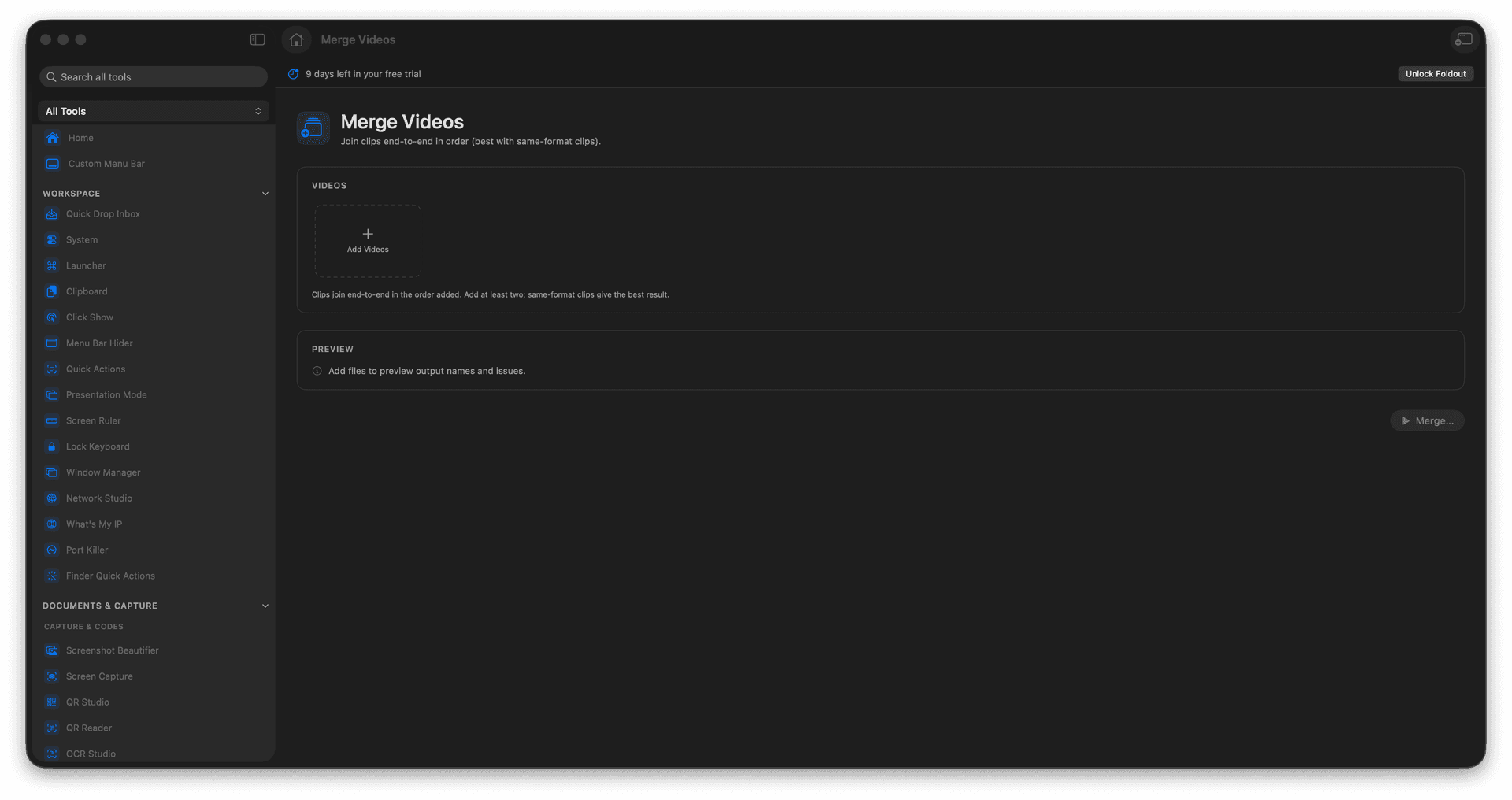
Join any number of clips end to end.
Set the order before you combine them.
Stitch intro, body, and outro into one video.
A single merged file is written, sources untouched.
Concrete features, inputs, and workflow details for this tool.
Combine separate takes into a single timeline, so an intro, a demo, and a sign-off play as one seamless clip.
Arrange the clips in sequence before merging, so everything lands in the right place the first time.
The merged result is a new file, leaving each original clip exactly as it was.
Add clips.
Put them in the desired order.
Review output settings.
Run the merge.
Merging works best when the clips use compatible formats.