A whole set in one frame
Drop in a folder of images and arrange them into a grid, so a mood board or asset review becomes a single picture you can send or print.
Image Grid arranges a pile of images into a clean contact sheet, or repeats a single image to fill a grid - great for mood boards, side-by-side comparisons, and quick asset reviews. Set the layout, add labels if you want, export one tidy PNG.
Start the 14-day trial in the app. No payment method is required to try Foldout.
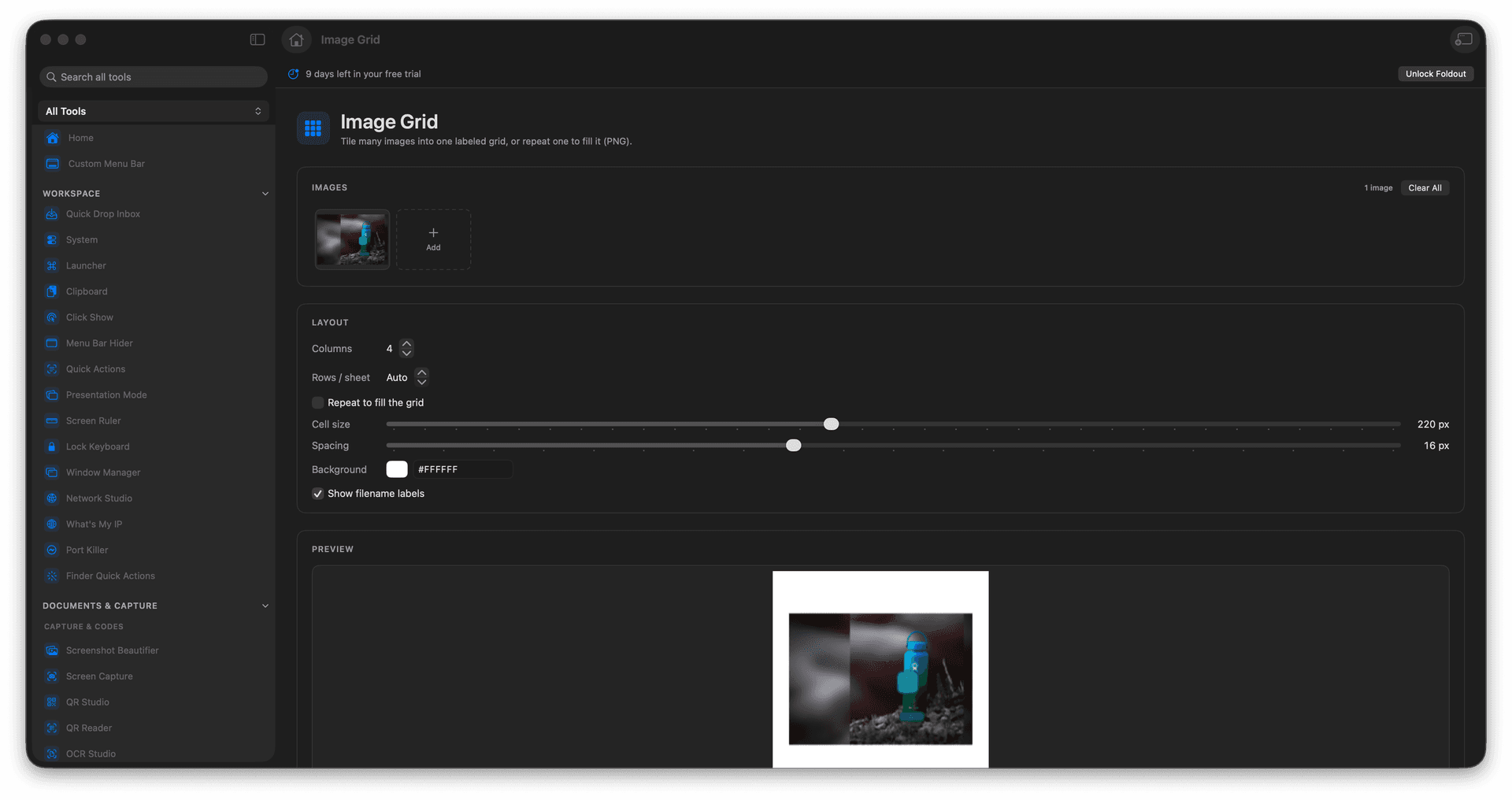
Lay many images into a single contact-sheet PNG.
Or repeat one image across a full grid.
Add labels for comparisons and reviews.
Export one shareable image instead of an attachment pile.
Concrete features, inputs, and workflow details for this tool.
Drop in a folder of images and arrange them into a grid, so a mood board or asset review becomes a single picture you can send or print.
Tile one image across the grid - handy for sticker sheets, pattern tests, or printing several copies on a page.
Add captions to each cell so a before-and-after or an option comparison is easy to talk through.
Add images.
Choose grid layout options.
Review labels and spacing.
Export the grid PNG.
Yes. It can tile many images or repeat a single image.