See inside the token
Decode the header and payload to read the claims, scopes, and audience a token is carrying.
JWT cracks a token open right on your Mac so you can read its header, payload, claims, and expiry without pasting a credential into some website that promises not to log it. Inspect, debug, move on.
Start the 14-day trial in the app. No payment method is required to try Foldout.
Use Foldout only with files, content, hosts, tokens, systems, or accounts you own or are authorized to inspect or process.
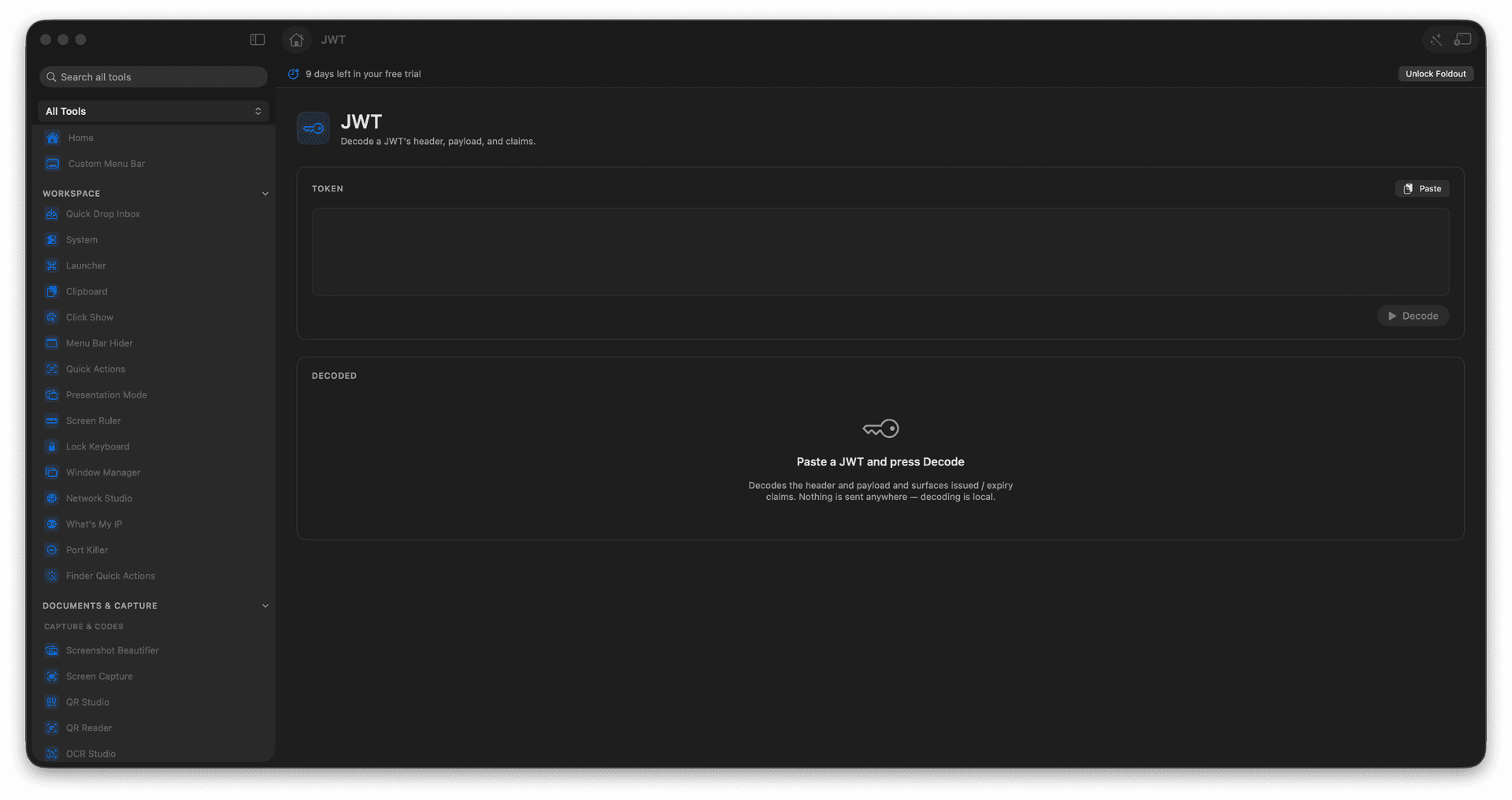
Decode the header and payload locally.
Read claims, scopes, and timestamps.
Check expiry and issued-at at a glance.
Never paste a token into a website.
Concrete features, inputs, and workflow details for this tool.
Decode the header and payload to read the claims, scopes, and audience a token is carrying.
Expiry and issued-at are laid out clearly, so an 'expired token' bug is obvious in seconds.
Tokens are decoded on your Mac and never sent anywhere, so you can safely inspect real credentials.
Paste a JWT.
Review decoded header and payload.
Check claim details.
Copy only the information you need.
This tool focuses on decoding and inspecting token contents.