Even pieces, automatically
Set a segment length and the whole video is cut into equal clips, so a one-hour recording becomes a tidy series without manual trimming.
Video Splitter chops a long recording into equal-length segments - perfect for status updates with a length cap, breaking a webinar into chapters, or handing a long take off in bite-size pieces.
Start the 14-day trial in the app. No payment method is required to try Foldout.
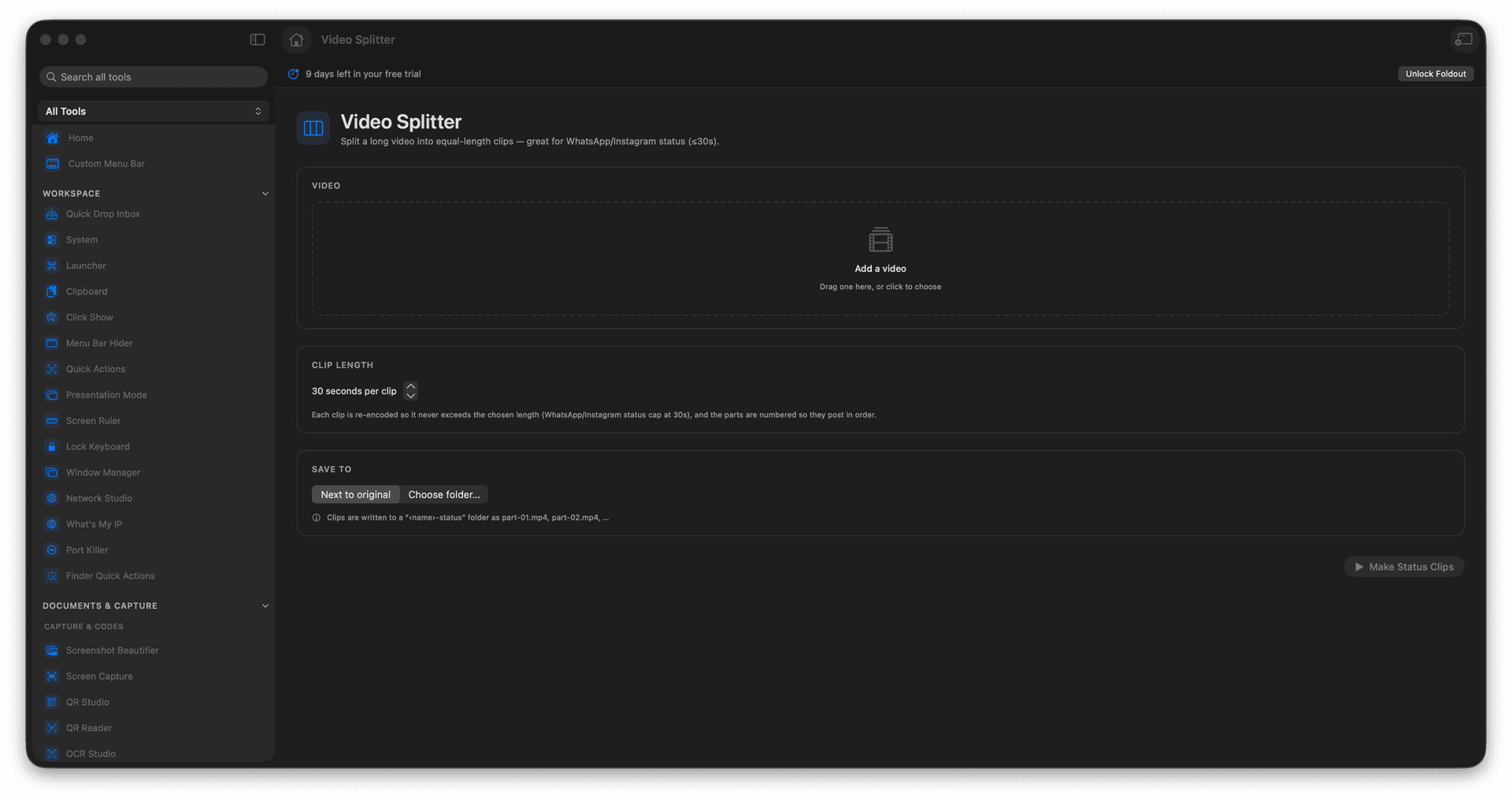
Split a long video into equal-duration clips.
Fit platform length limits without manual cutting.
Break a webinar or lecture into chapters.
The original recording stays unchanged.
Concrete features, inputs, and workflow details for this tool.
Set a segment length and the whole video is cut into equal clips, so a one-hour recording becomes a tidy series without manual trimming.
Slice a long take into parts that each fit a status or story cap, ready to post in sequence.
Every segment is a new file and the source video is left exactly as it was.
Add a video.
Choose the segment length.
Review the output count.
Run the split.
Yes. It is designed for equal-length clip splitting, including short sharing segments.