Read it right on the Mac
Decode a QR code from a screenshot, a saved image, or a region of your screen, so you never have to aim a phone at your own display.
QR Code Reader decodes a QR code from an image file or straight off your screen and hands you the link or text behind it - no phone, no squinting, no pointing a camera at your own monitor.
Start the 14-day trial in the app. No payment method is required to try Foldout.
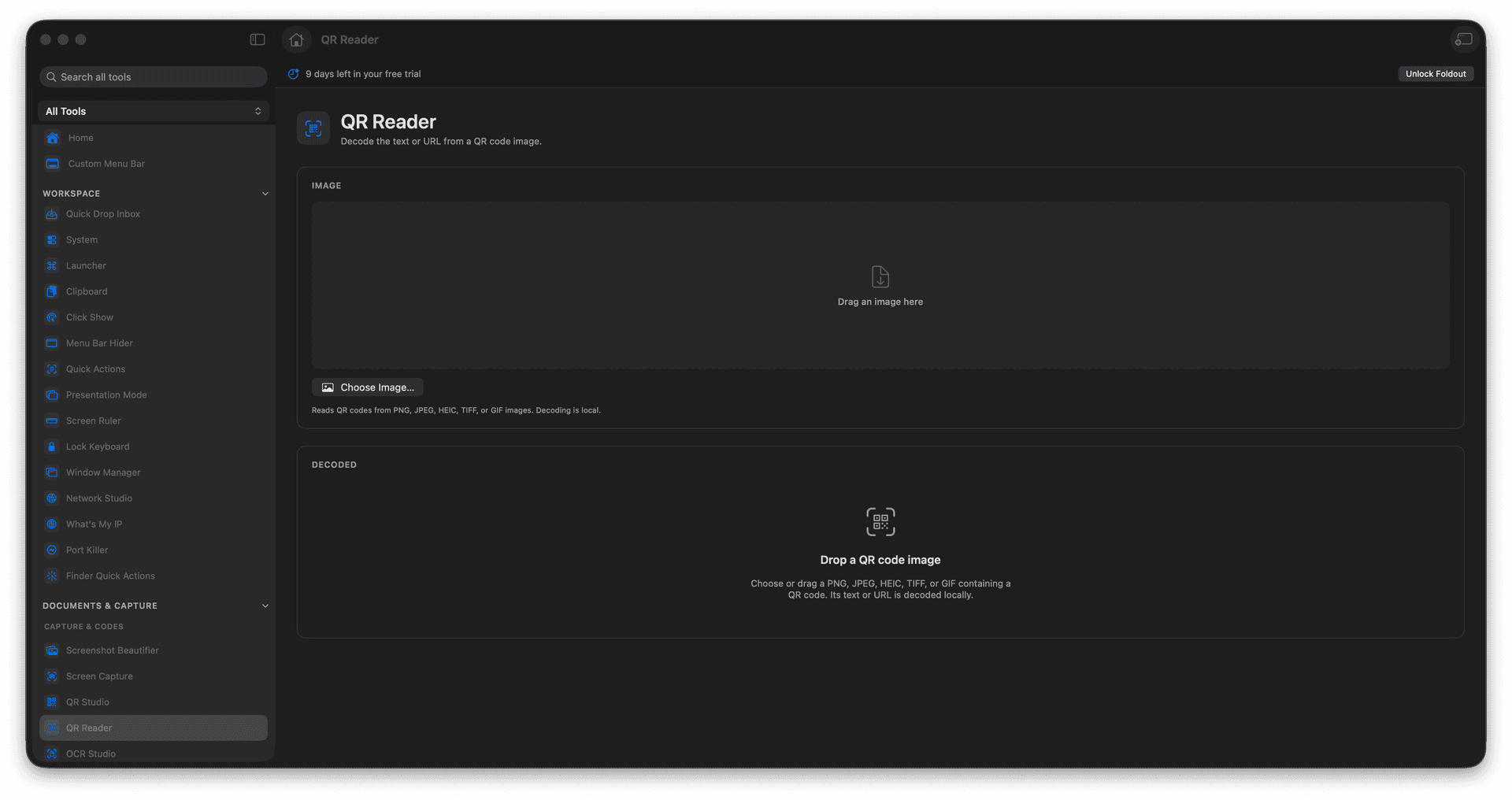
Decode QR codes from image files.
Read a code directly off the screen.
See and copy the link or text instantly.
Skip reaching for your phone.
Concrete features, inputs, and workflow details for this tool.
Decode a QR code from a screenshot, a saved image, or a region of your screen, so you never have to aim a phone at your own display.
The decoded link or text appears immediately, ready to copy and open.
Perfect for codes embedded in PDFs, emails, and slides that you cannot conveniently scan with a camera.
Add a QR image or capture from screen.
Let Foldout decode it.
Review the decoded value.
Copy or open the result.
Yes. QR Code Reader can decode QR codes in image files and screen captures.