Straighten in one move
Rotate a sideways camera roll by 90 or 180 degrees so every image stands upright, without opening a heavyweight photo editor.
Rotate and Flip fixes sideways phone shots and mirror-image scans in a single batch - turn 90 or 180 degrees, flip horizontally or vertically, and save corrected copies. No editor, no fuss, just images that finally face the right way.
Start the 14-day trial in the app. No payment method is required to try Foldout.
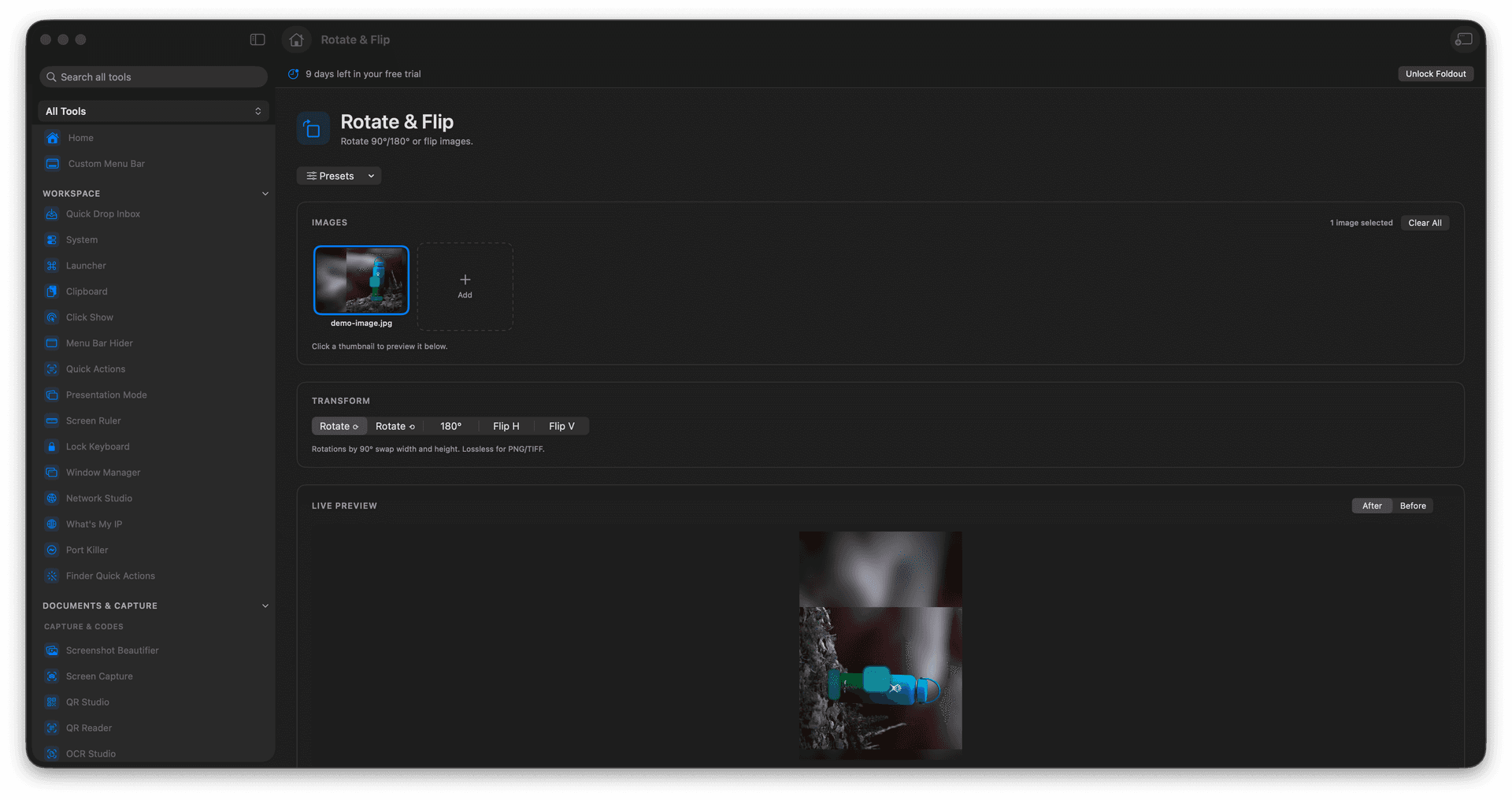
Rotate by 90 or 180 degrees in either direction.
Flip horizontally or vertically to fix mirrored shots.
Correct a whole batch of photos or scans at once.
Corrected images are saved as new files.
Concrete features, inputs, and workflow details for this tool.
Rotate a sideways camera roll by 90 or 180 degrees so every image stands upright, without opening a heavyweight photo editor.
Mirror images horizontally or vertically to correct flipped scans or to face a subject the other way for a layout.
Apply the same rotate or flip to an entire selection at once, then save the corrected set as fresh files beside the originals.
Add images.
Choose the rotate or flip action.
Review the option.
Run the transform.
Yes. It writes transformed copies instead of silently replacing sources.