SRT and VTT, both ways
Convert between the two common caption formats so a file matches whatever your video player expects.
Subtitle Toolkit handles the fiddly subtitle chores - convert between SRT and VTT, nudge the timing when captions drift out of sync, and strip stray formatting - so a caption file actually matches your video and the player it is going into.
Start the 14-day trial in the app. No payment method is required to try Foldout.
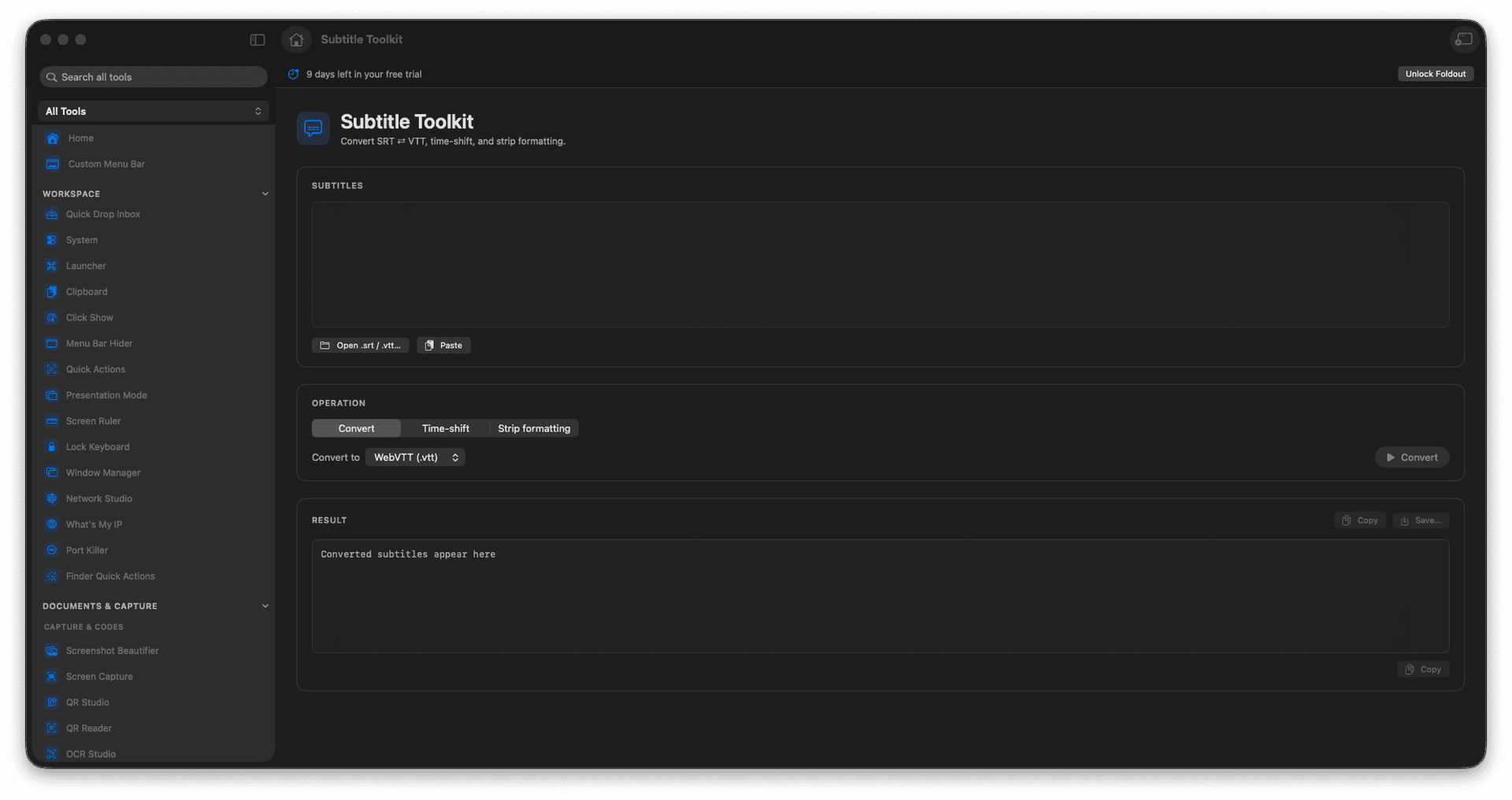
Convert SRT to VTT and back.
Shift caption timing to fix sync.
Strip unwanted formatting.
Match captions to your video and player.
Concrete features, inputs, and workflow details for this tool.
Convert between the two common caption formats so a file matches whatever your video player expects.
Shift the timing forward or back to re-sync captions that start late or run ahead.
Strip stray formatting so the text reads cleanly wherever it plays.
Paste or load subtitle text.
Choose conversion or timing options.
Run the transform.
Copy or save the result.
No. It edits subtitle text formats.